Operations | Monitoring | ITSM | DevOps | Cloud

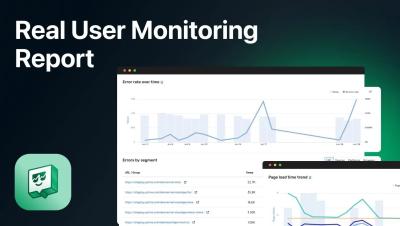
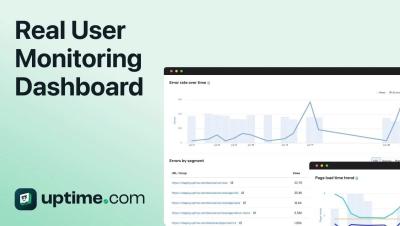
Uptime.com Real User Monitoring Report

Take an in-depth tour of the Uptime.com RUM report. Comprehensively understand your users – and your baselines. Organize RUM data by URL(s) or group URL(s) to track subdomains; segment data by devices, operating systems, browsers, countries, other geographies – to compare metrics within specific time windows to your website or application’s performance monitoring baselines.

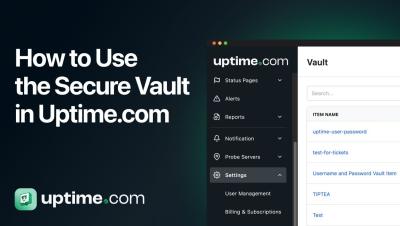
How to Use the Secure Vault in Uptime.com

In this tutorial, we explore Uptime.com's Secure Vault and how to securely create, edit, and manage your credentials. Learn how to access the Vault, add new Vault Items including Username/Password pairs, Certificates, Single Secret Tokens, and Time-based One-Time Passwords (TOTP), and use them in HTTP(S), API, Transaction, and Page Speed checks. Discover enhanced security features, including 256-bit AES-GCM encryption and zero-trust credential storage. We also cover REST API integration, variable usage, and user permissions.

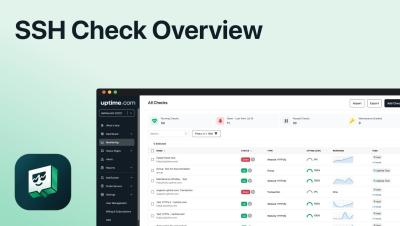
SSH Check Overview

In this video, learn how to set up and configure SSH checks using Uptime.com. We discuss the frequency options, the importance of Secure Shell (SSH) for secure data communication, and step-by-step instructions for creating a new SSH check in your account. Discover how to set check intervals, configure alert contacts, specify monitoring locations, and ensure your probe servers are whitelisted. Perfect for ensuring your server's remote login capabilities are continuously monitored and secure.

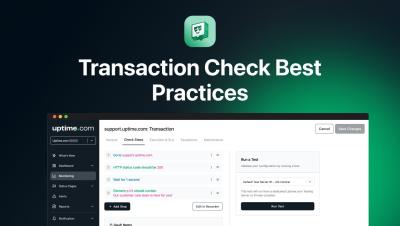
Transaction Check Best Practices

Welcome back to Uptime.com! In this video, we explore best practices for configuring Transaction Checks to simulate user actions on your website. Learn how to build reliable scripts with a series of commands and validators using our no-code Transaction Check Recorder or your developer tools. We cover essential tips like keeping checks streamlined, using 'wait for' commands to ensure element readiness, and validating URL transitions. Follow along as we set up a simple 7-step check to validate the Uptime.com domain health tool.