Operations | Monitoring | ITSM | DevOps | Cloud

Automate Your Monitoring and Incident Handling: How Agents Dominate the Checkly CLI

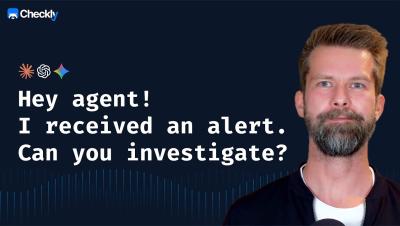
50% of Checkly's CLI users are already coding agents. We predict that agents will become dominant by the end of 2026. This video demonstrates an agentic workflow where an alert reports a broken Shopify store login flow, and Claude Code, using the installed Checkly Skill and the Checkly CLI, pulls monitoring results, identifies a Playwright test failure, investigates the codebase, finds and fixes a bug, and then updates a Checkly status page by creating an incident.
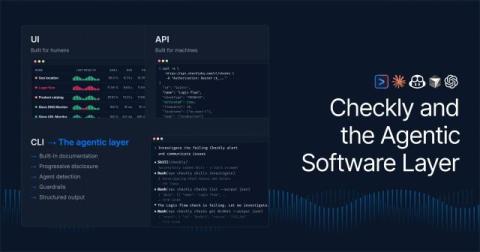
Checkly and the Agentic Software Layer

November 24th, the Opus 4.5 release turned around the entire tech industry. This was the moment when agents became capable. Capable enough to write solid staff-level code. Capable enough to reason about alerts, investigate root causes much faster than most engineers, and set up the reliability layer faster. For me, this feels like an iPhone moment on steroids; the adoption of AI is accelerating much faster than any adoption curve I’ve seen over the past few decades.

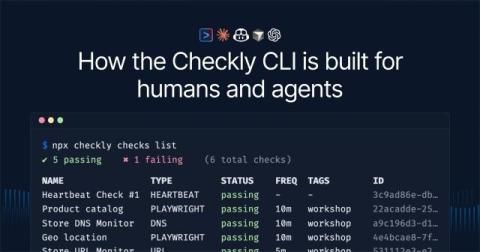
One CLI, Two Audiences: How We Built for Agents and Human

Half of the Checkly CLI users are already coding agents. This is not a prediction — it's what the data shows today. Since February, more and more agents have been using the CLI to manage and configure their Checkly monitoring setups. Right now, we're at 50% human and 50% agentic CLI users. And we predict that by the end of 2026, it won't be humans using the CLI; the agents will have taken over. The terminal became the primary interface for AI agents doing real work in the Checkly ecosystem.

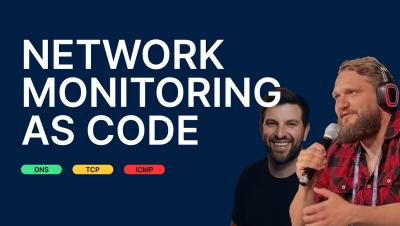
Network Monitoring as Code

Tangling DNS, TCP handshake failures, packet loss: your network has blind spots that application-level dashboards miss. In this session, Daniel Paulus (VP Engineering, Checkly) sets up DNS, TCP, and ICMP monitors from scratch and deploys them as code using the Checkly CLI. You'll see how to import checks from the UI to a code project, use coding agents to build monitors, and debug network failures with Rocky AI, trace routes, and packet captures.

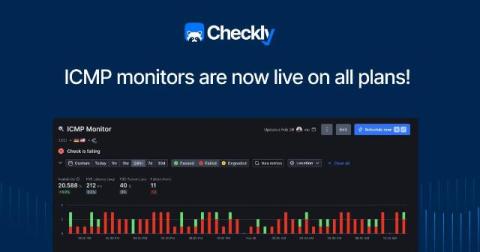
Expanding Uptime Monitoring Down The Stack: ICMP Monitors Are Now Available In Checkly

When we started building Checkly's uptime monitoring suite, the goal was to give engineering teams complete visibility across every layer of their stack, from application down to network, in one place. URL, TCP, DNS, and Heartbeat monitors covered a lot of that ground. But one fundamental piece was missing: the ability to simply ping a host and know if it's reachable.

Introducing Rocky AI to General Availability

After months of being available in Beta for our app users, Rocky AI is now generally available to all users and plans. Rocky AI is Checkly’s AI agent that works around the clock, 24/7, to make sure your application’s reliability is optimal. In this first release, Rocky AI ships with the ability to run continual Analysis on test and check failures, giving your teams AI-powered root cause analysis, impact analysis, and more.

We Turned Our WireShark Wizard Into a Markdown File

Rocky AI — Checkly’s AI agent — is now Generally Available. We developed Rocky AI over the last ~6 to 8 months. This is an aeon in AI-years. During this period, we learned a ton. About AI, but mostly about how to fit them into an existing SaaS product, not just another chat widget. This is my ramble…