
From Cleanup to Animation in One Workspace: Redefining the Editing Loop

For the past several months, I have been watching a pattern emerge in how people actually use AI image tools. The pattern is not about any single feature. It is about how often a task that starts as a simple cleanup request evolves into something entirely different. A user uploads a product shot to remove a stray reflection. Then they wonder what the same image would look like with a different background. Then they think about turning it into a short social video. Each step is logical, but traditional workflows treat each step as a separate job requiring a separate tool. That fragmentation is exactly what prompted me to take a closer look at PicEditor AI. Instead of presenting itself as a collection of isolated utilities, it frames editing as a single continuous loop that can move from correction to transformation to animation without forcing the user to restart. This is not about whether any individual feature is the best in class. It is about whether the platform makes the entire creative process feel less like software management and more like visual direction. And in my testing, that shift in framing turned out to be more valuable than I expected.
Here is where AI Photo Editor starts to change the conversation. The platform does not assume you know what kind of edit you want before you begin. It assumes you have an image and a general sense of what you want to change, and then it provides a unified environment where you can explore multiple directions from the same starting point. That might sound simple, but it is surprisingly rare. Most editors force you to commit to one editing mode at the outset, and changing your mind means starting over in a different tool.
The Real Bottleneck Is Not Speed. It Is Momentum.
In my observation, the frustration of AI editing is rarely about how fast an edit completes. It is about how much mental energy gets spent on workflow logistics rather than creative decisions. A background removal that takes three seconds but requires exporting, re-uploading, and resetting prompts in another tool does not feel fast. It feels fragmented. The platform addresses this by keeping the image at the center of the workflow. Every edit starts from the same uploaded image, and every new edit direction builds on the previous result without leaving the interface.
One Image, Multiple Destinations
What makes this structure feel different from single-purpose editors is continuity. A photo can start with enhancement to improve clarity. From there, it can move into background cleanup or removal. The cleaned image can then receive a style transfer for a different visual mood. And finally, the styled result can be animated into a short video clip, all inside the same environment. In practice, this changes how you think about an image. It stops being a finished asset and starts being a starting point for several deliverables. For anyone who produces visual content across formats, that compression of tool-switching is arguably more valuable than any single editing feature.
Walking Through the Editing Loop
The platform's workflow follows a logical sequence that prioritizes keeping the user in a creative flow state.
Step One: Upload the Source Image
The Image Itself Becomes the Interface
Unlike text-first platforms that begin with a blank prompt field, this editor starts with an uploaded image. That design decision has practical consequences. The platform is built for users who already have visual material, whether a product photograph, a portrait, a concept visual, or a campaign asset. The editing loop then becomes a sequence of refinement rather than a creative cold start.
Step Two: Choose the Editing Direction
Select From a Straightforward Set of Visual Outcomes
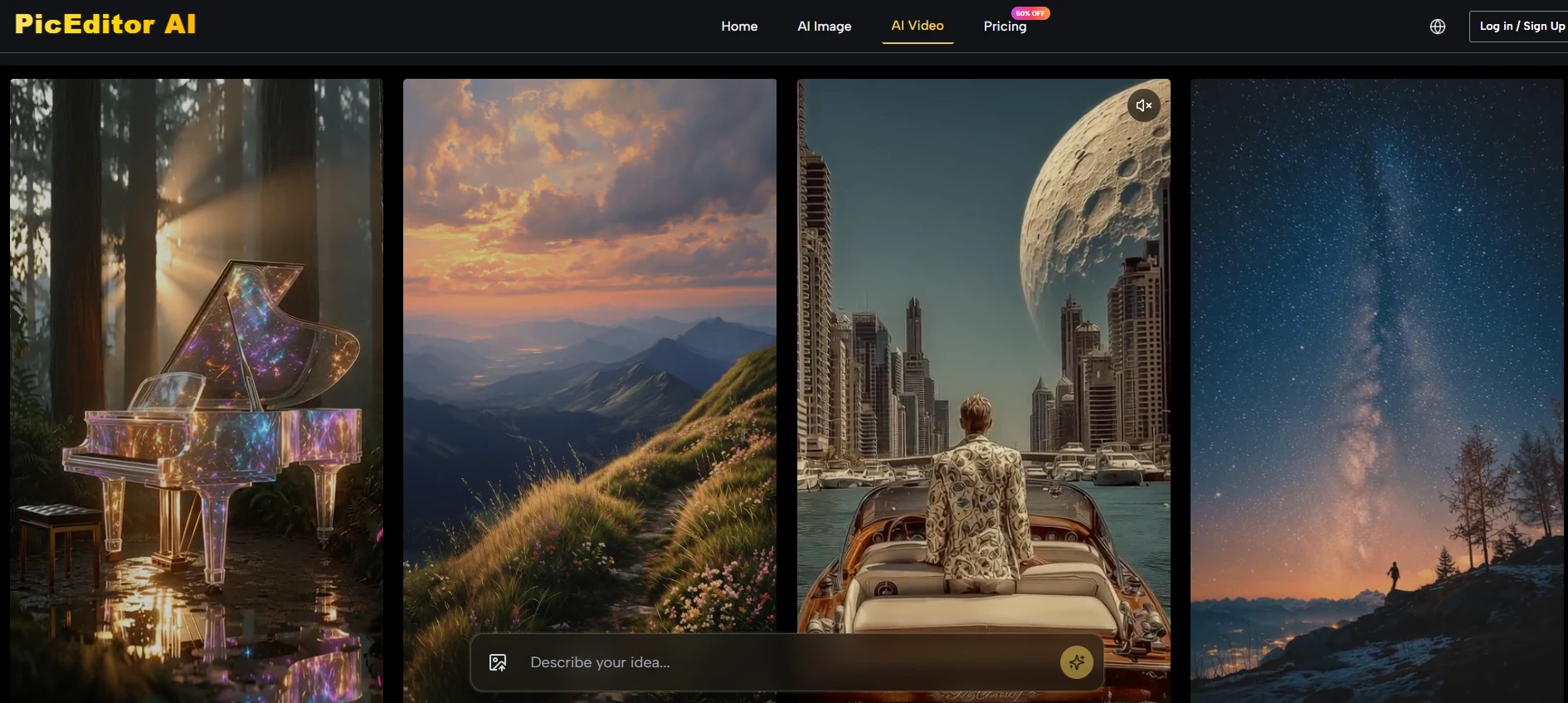
The platform organizes editing into recognizable categories: enhancement, background changes, object removal, generative editing, style transfer, face swap, upscaling, and photo-to-video animation. Each category leads to a focused prompt interface rather than a blank technical workspace.
Step Three: Describe the Desired Change
Plain Language Replaces Technical Actions
Instead of learning layer masks, selection tools, or manual adjustment layers, the user types a description of what they want to change. The platform interprets the instruction and applies it to the relevant part of the image. The quality of the output correlates strongly with the clarity of the prompt, which means users still need to think carefully about what they want, but they do not need to translate that thinking into software operations.
Step Four: Review, Iterate, or Transform Further
One Result Becomes the Starting Point for the Next Edit
The most distinctive aspect of the workflow is that the generated result remains editable. A cleaned product shot can be passed directly into the style transfer tool without re-uploading. A stylized portrait can go straight into the animation feature. That seamlessness is where the platform saves real time, not in isolated generation speed, but in eliminating the overhead of moving between applications.
How the Platform Compares to Single-Purpose Tools
To understand where the unified approach matters most, it helps to see it alongside traditional alternatives.
|
Aspect |
PicEditor AI |
Single-Purpose Tools |
|
Task switching |
Within the same interface, preserving image context |
Requires exporting, re-uploading, resetting prompts |
|
Learning curve |
One workflow for all editing types |
Separate interfaces for separate functions |
|
Creative momentum |
High, because edits chain together naturally |
Low, because each new task breaks the flow |
|
Result consistency |
Same image stays in the loop, reducing drift |
Risk of inconsistent results across disconnected apps |
|
Iteration cost |
Low, all versions live in one place |
High, managing multiple outputs across different tools |
What the Platform Does Well and Where It Needs Judgment
The platform I keep returning to is AI Photo Edit, and the reason is not that every edit is perfect on the first try. The reason is that the environment encourages exploration. When an edit does not work as expected, I can adjust the prompt, change the engine, or try a different editing direction without feeling like I have wasted my setup time. That resilience is rare in free browser-based editors.
However, the platform is not a magic solution for every editing problem. Complex scenes with overlapping subjects, fine details like hair strands, small text that needs to remain legible, and reflective surfaces may require multiple attempts. The quality of the output depends on the quality of the source image and the clarity of the prompt. In my testing, some edits that looked clean at a glance revealed visible seams when zoomed in. The platform reduces friction, but it does not replace the need for human judgment and a willingness to iterate.
Who Benefits Most From a Unified Workflow
For creators who move quickly between different types of visual content, the ability to stay in one environment from cleanup to animation is a significant time saver. For small business owners managing product photography across multiple sales channels, the continuity between enhancement, background changes, and batch exports reduces the overhead of learning and switching between specialized tools. For marketers testing visual directions for campaigns, the ability to generate multiple styled variants from the same source image and then animate the best ones without leaving the platform creates a much faster iteration loop than traditional workflows allow.
The platform is not a replacement for professional-grade manual retouching on highly complex images. But for the vast majority of everyday editing tasks, from product cleanup to creative exploration to social asset production, the unified workflow offers a more coherent experience than chaining together disconnected tools. The future of AI image editing may not belong to the platform with the single most impressive feature. It may belong to the platform that makes the entire creative process feel like one continuous edit instead of many separate ones. From what I have seen, this platform is already moving in that direction.