Operations | Monitoring | ITSM | DevOps | Cloud

Evaluate and Improve Your Site's Web Performance With Honeycomb for Frontend Observability

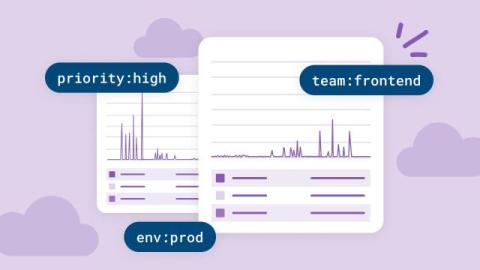
As an engineer on Honeycomb’s frontend platform team, I’m constantly trying to understand and improve our web performance. And I have a whole lot of questions. I tried answering these types of questions without Honeycomb in the past, and it was difficult and time consuming. It used to take me days to identify performance issues and their causes, let alone fix them and confirm that they improved web performance for some subset of users.

How Product Managers Can Benefit From Honeycomb

Observability tools like Honeycomb are built for engineers, not PM teams… but that doesn’t mean there’s no benefit to having your PMs in Honeycomb. Whether it’s debugging a weird customer issue or tracking how a feature is used in the wild, observability gives PMs something traditional product tools can’t: real-time answers with full context, down to a single user.

Honeycomb Launches Integration With the Anthropic Usage and Cost API

If your organization is anything like ours, then you’ve probably embraced using large language models like Claude. Just last week, we gave all Honeycomb employees access to Claude. Now, developers can generate AI-assisted code, product managers can perform analysis on customer usage trends, marketers can test messaging, sales can do customer discovery and we are shipping AI-powered features to improve user experience.

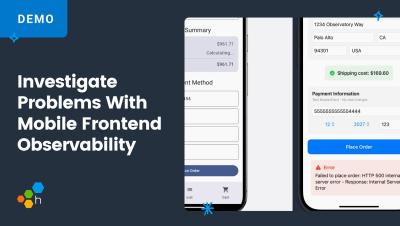
Investigate Problems With Mobile Frontend Observability

You can use your mobile tools to debug errors, but are you really looking at the root cause? With end-to-end observability, powered by Honeycomb's Mobile Android and iOS SDKs, you can see everything! We'll show you how to start from a mobile launchpad, view the errors, select a trace, and find that root cause.

Error Analysis in Honeycomb for Frontend Observability Now in Public Beta

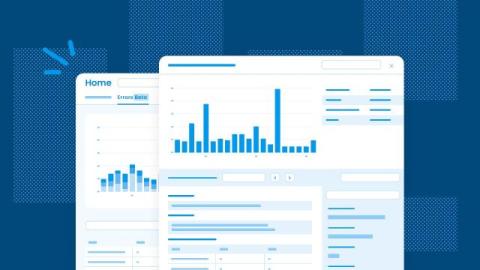
You just shipped your latest frontend release. It passed QA, CI ran, and it looked great in pre-production. But now it’s live and users are hitting an unexpected error: TypeError: undefined is not a function in Chrome. Your error tracking tool flags the exception. You get a stack trace, some breadcrumbs, maybe a session replay.