Operations | Monitoring | ITSM | DevOps | Cloud

How to Connect Cursor to CircleCI: AI-Powered CI/CD Debugging

Stop manually pushing branches, hunting for logs, and pasting errors back into your editor. This video shows you how to connect Cursor to CircleCI using the CircleCI CLI so your AI agent can trigger pipelines, read build output, and fix failures autonomously without you ever leaving the IDE. In this demo, we introduce a bug, let CI catch it, and watch the agent diagnose and fix it on its own, monitoring the pipeline until it comes back green. No tab-switching. No copy-pasting logs.


Run Your GitHub Actions Workflows on CircleCI (Open Preview)

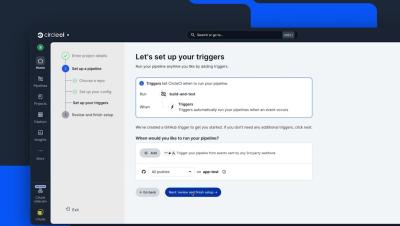
CircleCI can now run supported GitHub Actions workflows directly on CircleCI infrastructure, using the YAML you already have. In this quick demo, we’ll walk through setting up a CircleCI project with an existing GitHub Actions workflow and running your first build. You’ll see how to: GitHub Actions compatibility is currently available in open preview on Linux. Not all GitHub Actions features are supported yet, so check the documentation for current compatibility.

Connect Codex to CircleCI: Fix Failing CI Without Leaving Your Terminal

Connect Codex to CircleCI and give your coding agent direct access to the CI feedback it needs to keep working. In this tutorial, we’ll walk through setting up the CircleCI CLI and CircleCI plugin for Codex, then show how Codex can check pipeline results, validate your CircleCI config, diagnose failed builds, trigger new pipelines, and keep iterating on a fix until CI is green. Instead of bouncing between your terminal and CircleCI to copy logs and errors back to your agent, you can bring the full CI feedback loop directly into your Codex session.