Operations | Monitoring | ITSM | DevOps | Cloud

What is an Endpoint Device? Overview for IT Professionals

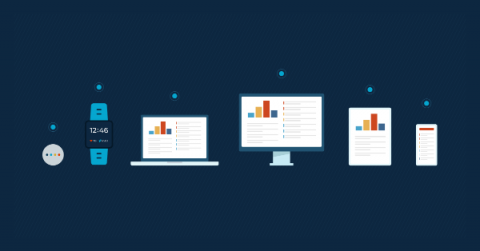
Endpoints can be found in a variety of industries and settings, but we’ll be focusing on endpoint devices within IT environments. In this article, we provide a general overview about what endpoint devices are, the purpose they serve, as well as how you can better manage and protect these devices within your organization.

Server Backup: 5 Best Practices

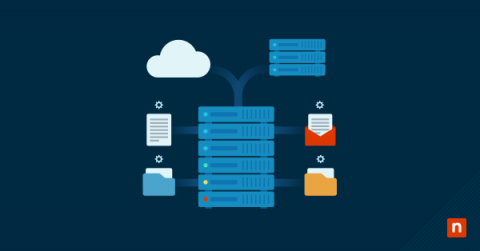
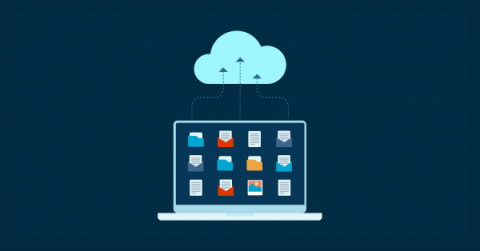
There are plenty of disturbing data backup statistics everywhere you look. For instance, “60% of backups are incomplete and 50% of restores fail,” Ontech systems confirms. According to Invenio IT, “ 72% of all users had to recover from a data backup at least once in the past year, and 33% had to do so more than once.” All these statistics make one fact crystal clear: data backup software is essential for every organization.

How to Check & Monitor Disk Space Remotely with PowerShell Script

Monitoring disk space is a basic but core component of proactive IT support, critical to reducing ticket volume and maintaining system health and stability. Running low on or running out of disk space can obviously be responsible for a host of issues and user complaints — from application failures to complete system crashes — so creating alerts for when drives fall below a specified threshold is a great way to head those off.

What is Android Mobile Device Management (MDM)?

Mobile device management (MDM) is software that enables organizations to support, automate, control, and secure mobile devices that are connected to the workplace and that have access to organizational data. MDM software is needed for each type of operating system because they all function a little differently from one another. Android MDM is software designed specifically for mobile devices that run the Android operating system (OS).

What Is Mobile Device Management (MDM)?

With remote work and bring your own device (BYOD) practices on the rise, mobile device management (MDM) has become a necessity. Using mobile device management, IT teams are able to control, secure, and manage mobile devices, such as smartphones, laptops, and tablets. In this mobile device management (MDM) overview, we will discuss what MDM is, its importance in the IT world, and best practices to follow.

Windows MDM: A Complete Guide

At the moment, Microsoft Windows is the most popular operating system in the U.S., with a market share of 32.63%. Due to the rising bring your own device (BYOD) trends and an increase in remote work, many employees are now using remote Windows devices to access organizational data and carry out business tasks. To protect confidential data and secure these remote devices, organizations depend on Windows mobile device management (MDM).

Mac MDM: What You Need To Know

The Apple vs. Android conversation has been an ongoing debate for years, and it isn’t coming to a conclusion anytime soon. Some businesses choose to use only Android or Apple devices, while others prefer to mix the two. Whether your organization uses Android or Apple, one fact is clear: your IT team will need mobile device management (MDM) to secure and manage your remote devices.