The latest News and Information on Service Center Operations Manager and related technologies.
In my prior two blog posts, we focused on creating a bunch of Enterprise Applications (EAs), tagging those EAs, and then updating the Status dashboard to only show those EAs that are Critical Service Offerings (CSO). For this blog post, we will create some relationships and demonstrate how alerting behaves using SquaredUp's Manual Reporting Availability functionality available in the EAM tier of the product. For this post, we're going to do amazing stuff!
Before talking about integration, let’s take a look at your non-automated Service Management processes. There isn’t a right or wrong answer as this varies based on your needs, think through the below questions to get a perspective on how tasks flow within your company today.
Firstly, let’s look at why it is so valuable to integrate SCOM and ServiceNow. There are lots of tools available to help you integrate SCOM and ServiceNow. So, the next step is to understand which one will provide your business with the best solution. To help you work through this decision we recommend you ask yourself the following questions.
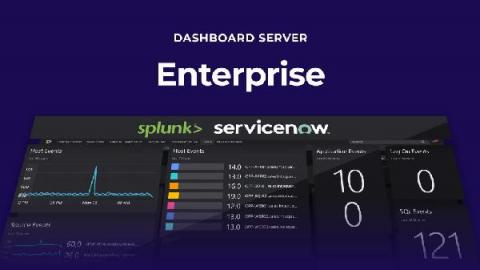
ServiceNow is one of the leading providers of IT Operations Management (ITOM) solutions, with a broad range of packages, designed to scale with your business as it grows. However, it can be a complex process understanding which solutions will be the best investment for your IT Operations, now and in the future.
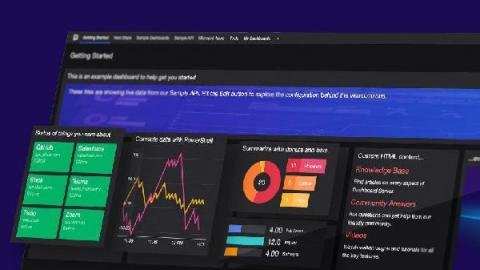
In my last blog post, we focused on creating 29 Enterprise Applications (EA). We also spent some time talking about our Critical Service Offerings (CSO) and Supporting Service Offerings (SSO). And finally, we looked at three out-of-box dashboards. If all you needed was to create a dashboard to control the boxes’ color quickly, you already have what you need.