Operations | Monitoring | ITSM | DevOps | Cloud

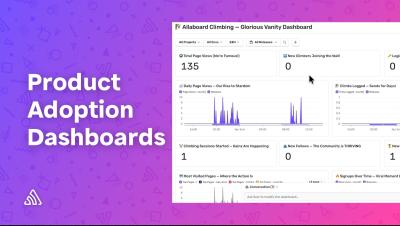
Why dashboards still matter in the age of AI

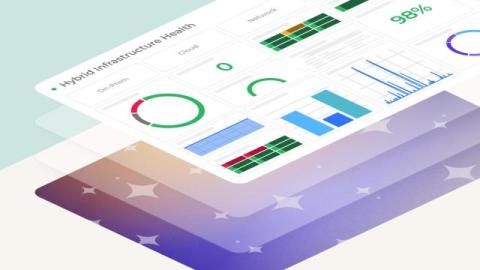
I recently gave a talk at Experts Live India 2026 about SquaredUp, and even before getting into the demo, there was one question I knew I had to address: Is the dashboard era over? It's something we're all hearing more. "Just ask AI." "Agentic AI will build your dashboards automatically." "Why bother with static views when a chatbot can answer anything?" It's a fair question. Answering it requires a clear understanding of what a dashboard represents.

Faster fixes, less context sharing: how Grafana Assistant learns your infrastructure before you even ask

When an unexpected alert fires these days, most engineers' first move is to ask their AI assistant for help.You ask why your checkout service is slow and the assistant gets to work, but it can't get any meaningful insights—at least not quickly—without the proper guidance. So, the next thing you know you're sharing deals about your existing data sources, the services you have running, how they connect, which labels and metrics matter, and on and on.
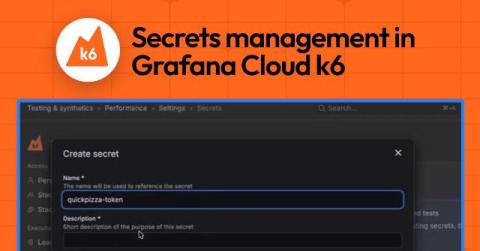
Secure performance testing at scale: Introducing secrets management for Grafana Cloud k6

To simulate real user behavior, performance tests often rely on API keys, tokens, or credentials to interact with real systems. But as your testing suite grows, this sensitive data can start to sprawl across scripts, configs, and environments, increasing the risk of exposure and making tests harder to manage and maintain. To address this challenge, we’re rolling out secrets management for Grafana Cloud k6, the fully managed performance testing platform powered by k6 OSS.

Get observability in the terminal, for you and your agents, with the gcx CLI tool

The way you write code is changing, which means the way you observe your systems and respond to issues needs to change, too. Engineers today spend much of their day working via command line, as agentic tools like Cursor and Claude Code have become highly effective at handling many day-to-day engineering tasks. This greatly accelerates code generation, but it doesn't solve for the context switching that comes when you have to jump into another tool that's not part of this new, faster workflow.

Demo - Selector Platform Dashboard Validation

See how Selector enables real-time validation and visibility through customizable dashboards. In this demo, watch how teams can quickly monitor network and system performance, validate changes, and track key metrics - all in one unified view. Instead of piecing together data across tools, Selector delivers clear, actionable insights that help teams stay aligned and make faster decisions. Built for network and operations teams who need instant visibility and confidence in their environment.

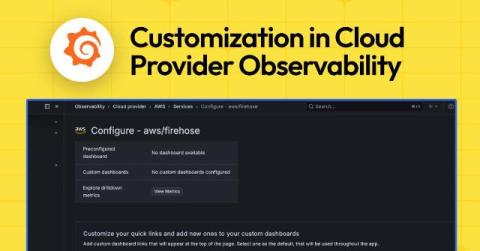
Customize preconfigured views for AWS, Azure, and Google Cloud with Cloud Provider Observability in Grafana Cloud

Part of what makes Cloud Provider Observability in Grafana Cloud really useful is that it gives you prebuilt dashboards and drill-downs for AWS, Azure, and Google Cloud. Out of the box you get service overviews, instance-level views, and quick links to explore your data. However, you might already have dashboards you trust, want a view tailored to your team’s workflow, or need to change which panels show up when you drill into a single instance.

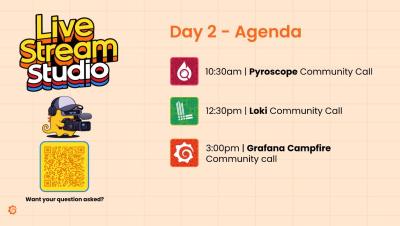
Alloy, OpenTelemetry & Instrumentation Community Call LIVE from GrafanaCON 2026

Join us live from GrafanaCON 2026 for the Alloy, OpenTelemetry & Instrumentation Community Call! We’re kicking things off with a look at everything happening across Alloy and the OpenTelemetry ecosystem, alongside special guests Ted Young, Mischa Thompson, and Liudmila Molkova. In this session: We take a look back at Alloy’s rapid growth and adoption Explore the introduction of the new OpenTelemetry Engine Dive into fleet management, instrumentation, and onboarding at scale.

Loki Community Call LIVE from GrafanaCON 2026

Join us live from GrafanaCON 2026 for the Loki Community Call! We’re kicking things off with a look at everything happening in the Loki ecosystem, alongside special guests Poyzan Taneli, Ben Clive, and Trevor Whitney. In this session: We take a look back over the last year in Loki Explore the brand new “Thor” architecture Dive into what’s coming next for logging at scale From a completely new columnar storage format and Kafka-based ingestion, to a redesigned query engine and improved support for high-cardinality data—Loki is evolving to meet the demands of modern logging.

Pyroscope Community Call LIVE from GrafanaCON 2026

Join us live from GrafanaCON 2026 for the Pyroscope Community Call! We’re kicking things off with a look at everything happening in the Pyroscope ecosystem, alongside special guest Alberto Soto. In this session: We take a look back over the last year in Pyroscope What’s new in continuous profiling What’s coming next From multi-language source code integration and symbolization improvements to OpenTelemetry profiles and performance gains, Pyroscope has evolved rapidly over the past year.
Sponsored Post

From Microsoft SCOM to Dashboards

System Center Operations Manager (SCOM) remains one of the most capable on-premises monitoring platforms for Microsoft environments. However, as IT operations evolve toward real-time observability and self-service insights, traditional SCOM reporting and consoles can feel restrictive. This whitepaper explores practical ways to extend and modernize your SCOM visualizations using today's leading dashboarding technologies - including SquaredUp, Grafana, Power BI, and Azure Workbooks.

GrafanaCON 2026 announcements: A guide to all the latest news from Grafana Labs

GrafanaCON 2026 kicked off in Barcelona, which is a fitting city to reveal the latest updates in Grafana 13. In 2013, Grafana Labs Co-founder Torkel Ödegaard made the first commit for what would become Grafana while he was on vacation in the Catalan city. "I was traveling here for the Christmas holiday and I got a cold and spent most of the day in bed coding and working on Grafana," said Torkel during the opening keynote of GrafanaCON, our biggest community event of the year.

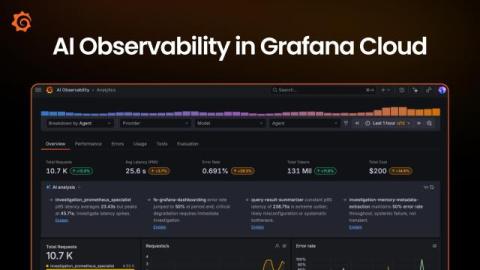
AI Observability in Grafana Cloud: A complete solution for monitoring your agentic workloads

The observability industry has developed great tools for using metrics, logs, traces, and profiles to monitor the cloud native applications that have dominated the last decade of software development. But when it comes to understanding what an AI system is actually doing, we’re often left reading raw conversations, guessing at quality, and reacting too late. And that’s a problem.

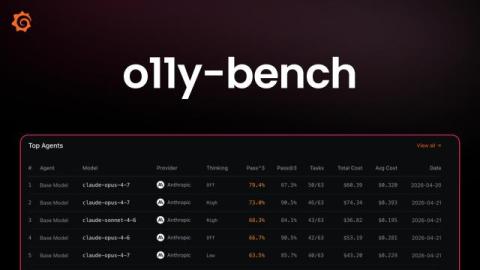
Introducing o11y-bench: an open benchmark for AI agents running observability workflows

Evaluating agents is hard. Verifying observability tasks is harder. Yes, AI agents have gotten dramatically and quantifiably better at coding and tool use, but observability presents a different kind of challenge. In a real incident, the hard part is rarely just writing a query. It's deciding which signal matters, figuring out whether a spike is noise or symptom, correlating metrics with logs and traces, and sometimes making a change in Grafana without breaking the dashboard another engineer depends on.
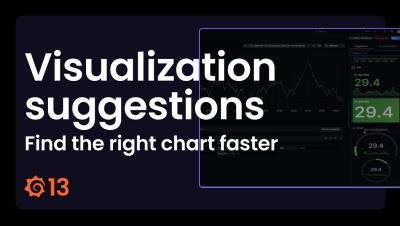
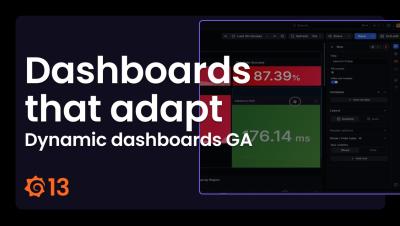
Grafana 13 release: get value from your data faster, manage operations at scale, and more!

Who says 13 is unlucky? With the release of Grafana 13, we're giving the community the most streamlined, flexible, and intuitive Grafana experience yet. Unveiled during the opening keynote of GrafanaCON 2026, the latest major release is all about helping you get value from your data faster, whether you’re spinning up dashboards, operating Grafana at scale, or extending the platform as your requirements change. Download Grafana 13.

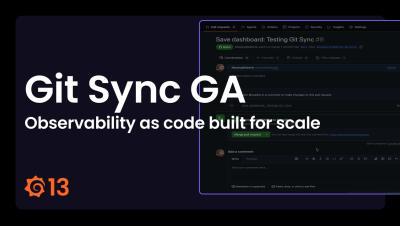
Git Sync: Observability as code built for scale | Demo | Grafana Labs

In this video, Fabrizia Rossano and Roberto Jiménez demonstrate Git Sync, a feature that provides you with the power of Git version control right in your Grafana instance. Git Sync enables you to submit changes in your dashboards as pull requests and get them reviewed by your team directly from Grafana or from Git.

Grafana 13 TL;DR - What's New (and Worth Your Time)

Grafana 13 is here! In this video, we walk through the biggest updates and improvements, from faster ways to build dashboards to new features that make Grafana easier to manage at scale. We cover things like: If you’ve ever struggled with broken dashboards, messy layouts, or just getting started from scratch, this release focuses on making those workflows a lot smoother. This is a TL;DR, so we’re just scratching the surface—but it should give you a solid sense of what’s new and what’s worth checking out.

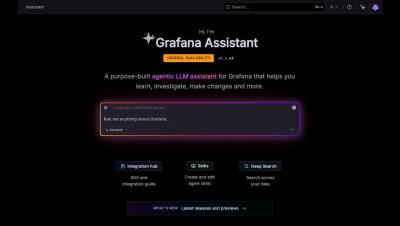
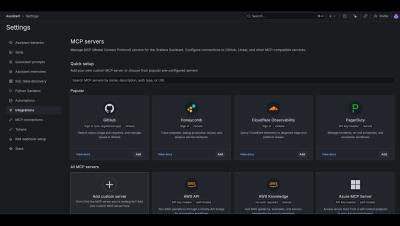
Grafana Assistant everywhere: Customize and connect to the AI agent to fit your specific needs

The ways you and your teams build and observe your systems are changing. It’s no longer just engineers looking at dashboards, or writing queries or config files. More often, it’s an agent interacting with the data, too, helping write code, run applications, investigate incidents, rightsize deployments, and more.

Introducing Pyroscope 2.0: faster, more cost-effective continuous profiling at scale

Continuous profiling is becoming a standard part of the observability stack, and for good reason. It's the only signal that tells you why your code is slow or expensive, not just that it is. Metrics tell you CPU usage is high. Logs tell you a request was slow. Traces tell you which service is the bottleneck. But only a profile tells you which function, on which line, is burning the cycles. As systems grow more complex, that level of visibility becomes essential.
Power BI Dashboard Best Practices for Data Engineers and BI Developers

A strong Power BI dashboard is not built solely on visuals. For data engineers and BI developers, the dashboard is the final expression of a much larger analytics system. Its quality depends on the data model's structure, the discipline of the transformation layer, the clarity of the DAX logic, the dataset's performance, and the security model governing access.

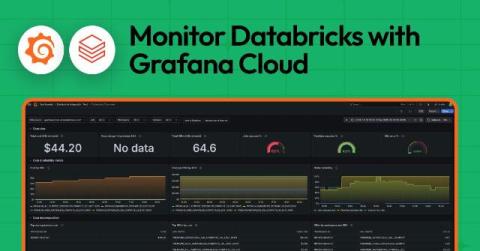
Monitor Databricks with Grafana Cloud for instant visibility into your workloads

If you're running Databricks workloads, you've probably asked yourself these types of questions: How much is this costing me? Why did that job fail last night? Why are my dashboard queries suddenly slow? We've been there, too. Databricks is fantastic for data engineering, ML, and analytics. But once you start running jobs, pipelines, and SQL queries at scale, you need a way to keep tabs on what's happening. That's why we built the Databricks integration for Grafana Cloud.

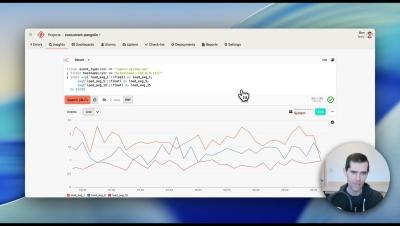
Honeybadger Insights Parameterized Queries

Make your Honeybadger Insights dashboards and queries dynamic with parameterized queries. In this short walkthrough, we'll take a static system dashboard — showing load average, memory, and disk usage across a fleet of hosts — and turn it into an interactive view you can filter to a single host with one click. What you'll see: Parameterized queries are a simple way to build one dashboard that serves many views — no duplication, no extra widgets, just a shareable URL.

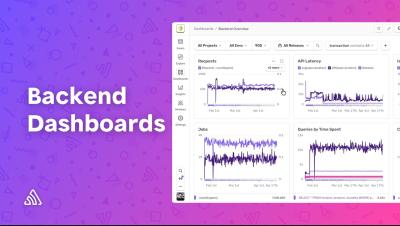
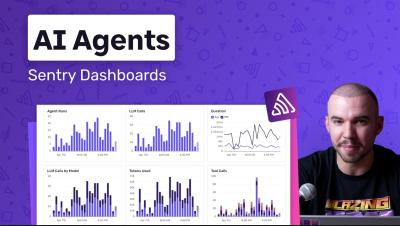
Sentry Built AI Dashboards: Monitor Your AI Agents End-to-End

Building AI applications? There's a lot more to monitor beyond errors. With tracing enabled, Sentry's built-in AI Dashboards give you deep visibility into how your agents are actually performing. This video walks through three key dashboard views: You'll also see how to drill from a dashboard widget straight into the trace explorer to pinpoint the root cause of errors, how to duplicate and customize dashboards to fit your needs, and how to set up monitors with alert thresholds - like getting notified if your LLM calls exceed 20 seconds.

Building a Unified Enterprise Observability Strategy Webinar

Join Graham Davies, Technical Product Manager at SquaredUp as he provides a practical guide to breaking down data silos between IT, operations and the business. In this session, Graham digs into why dashboard and tool sprawl is making decisions harder, not easier, and shows you a practical framework for building a single source of truth your whole organisation can rely on.
Top 5 Zabbix Dashboarding Tools Compared

Zabbix collects a huge amount of operational data—metrics, alerts, host status, and performance trends. But turning that data into dashboards people actually use is a different challenge. Most teams start with the built-in dashboards. Then the requests start coming: At that point, basic dashboards aren’t enough. Teams start looking for ways to augment Zabbix visualization with tools that improve usability, sharing, and flexibility.
TV Mode: Put Your Dashboards on the Big Screen

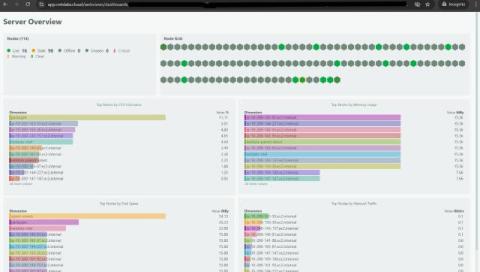
One of the most common requests we’ve gotten since launching custom dashboards is deceptively simple: “How do I put this on a TV?” Teams want their dashboards on wall-mounted screens in NOCs, war rooms, and open office spaces. The dashboard is already built. The data is already there. They just need a way to display it on a screen that nobody is logged into, without exposing the full Netdata Cloud interface. TV mode does exactly this.

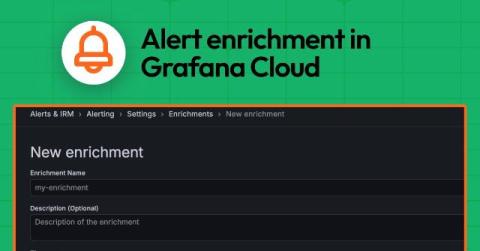
Grafana Alerting: Respond faster and get situational awareness with alert enrichment in Grafana Cloud

Alerts are meant to help teams respond quickly to problems, but too often they arrive without enough context to be immediately useful. An alert that says “CPU usage is high” still leaves the on-call engineer asking critical follow-up questions: Which service? Which environment? Where do I look next? Validating the alert and triaging the situation is the first step for every engineer. It's a manual step that takes time, extending every potential incident.

Top 5 ServiceNow Dashboarding Tools Compared

ServiceNow holds a wealth of operational data—but turning that data into dashboards people actually use is a different challenge altogether. Most teams start with what’s available out of the box. Then come the requests: At that point, dashboarding stops being simple. It then has to be “augmented” - with easy shareability, ease of use, contextualization and hierarchy.

Stop Wrestling With Complex Website Monitoring Dashboards

In the race to provide full-stack visibility, many modern SaaS platforms have inadvertently created a new problem: information overload. High-end enterprise solutions are designed for companies with dedicated Site Reliability Engineering (SRE) teams that spend their entire day inside a dashboard. But for many businesses, this level of granularity is a distraction. The real question isn’t whether a tool is powerful; it’s whether it fits the everyday needs of your team.

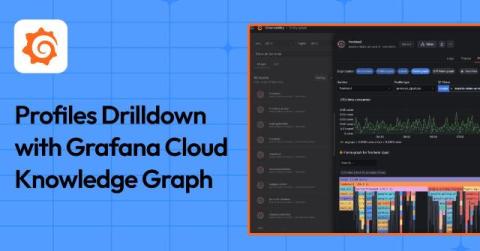
A faster way to pinpoint performance bottlenecks: Using Profiles Drilldown with Grafana Cloud Knowledge Graph

When you identify CPU or memory spikes in your services, it’s critical to understand why they’re happening. But switching between tools or crafting complex queries can slow you down when trying to pinpoint a root cause. This is why we’re excited to share that Profiles Drilldown, an application that lets you easily explore profiling data through an intuitive, point-and-click interface (no queries required), is now integrated with Grafana Cloud Knowledge Graph.

Kubernetes Monitoring Helm chart v4: Biggest update ever!

The Kubernetes Monitoring Helm chart is the easiest way to send metrics, logs, traces, and profiles from your Kubernetes clusters to Grafana Cloud (or a self-hosted Grafana stack). And version 4.0 is the biggest update the chart has ever received. Representing nearly six months of planning and development, it's designed to solve real pain points that users have hit as their monitoring setups have grown.

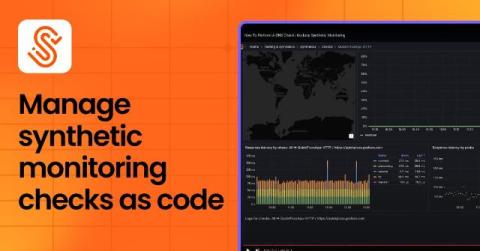
How to manage synthetic monitoring checks as code with Terraform and Grafana Cloud

As teams scale, managing synthetic monitoring checks manually in the UI becomes difficult and error-prone. When you're dealing with dozens of checks across multiple environments, teams experience inconsistent configurations, lack of version control, and difficulty tracking changes.

Putting FinOps theory into practice with SquaredUp

The public cloud has revolutionized IT by making infrastructure on-demand, scalable, and self-service. However, this convenience comes at a price. In the cloud, engineers can instantly spin up resources and spend company money with the click of a button or a line of code, bypassing traditional procurement and finance approval processes.

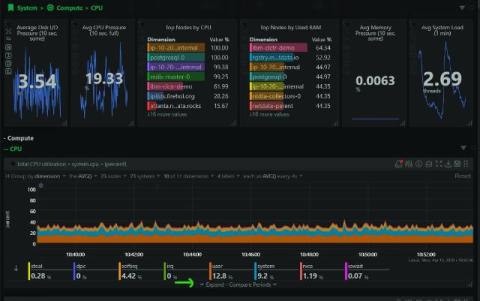
New Custom Dashboards: Metrics, Logs, Live Commands, and More in a Single View

Custom dashboards in Netdata have always let you pull charts together on-the-fly into a single view. That’s useful, but it’s also limited. In practice, when you’re running an incident or reviewing a service, you don’t just want charts. You want to see the output of top alongside your CPU metrics. You want slow query logs next to your database latency charts.

Beyond the Dashboard: Selector's Patented Approach to Conversational Observability

For years, IT operations teams have been trapped in a frustrating paradox: the data they need to solve critical issues is right at their fingertips, yet entirely out of reach. Accessing it requires engineers to master complex, platform-specific query languages, dig through endless layers of dashboards, and hunt for the exact visualization that holds the answer. Under the intense pressures of modern speed, scale, and complexity, this rigid model is breaking down.

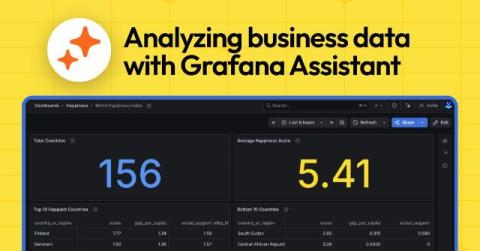
Business metrics in Grafana Cloud: Get an AI assist to help securely analyze your data

For today's modern businesses, the data landscape demands security and flexibility. You need to connect your observability platform to rich, proprietary datasets that often reside in private networks without compromising security or managing complex network infrastructure. You may also face an extra layer of complexity in order to effectively query and visualize that data. Luckily, modern artificial intelligence tools have made these previously complicated processes much simpler.

Expanded Chart View: Investigate Without Leaving the Chart

Charts in Netdata have always been interactive. You can zoom, pan, select time ranges, and see per-second granularity across thousands of metrics. But when you spotted something interesting, the next steps usually meant leaving the chart: opening another tab to check a related metric, navigating to the correlation tool, or pulling up a different time range for comparison. The investigation workflow lived outside the chart, even though the chart was where the investigation started.
Sponsored Post

How to Monitor AWS Status: Don't Wait for the Health Dashboard

The AWS Health Dashboard is slow, sometimes broken during major outages, and only tells you what AWS admits is broken. Real SREs layer three monitoring sources: AWS-native tools (CloudWatch, EventBridge), third-party aggregators (IsDown), and internal synthetic checks. Skip the vendor status page as your primary alert source.

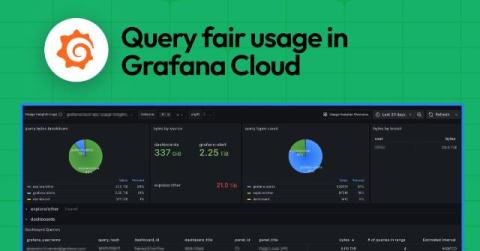
Query fair usage in Grafana Cloud: What it is and how it affects your logs observability practice

In Grafana Cloud we use a simple yet generous formula that lets you query up to 100x your monthly ingested log volume in gigabytes for free. This works for the vast majority of our customers, but if you aren’t careful and strategic with your usage, you could find yourself with an overage bill.

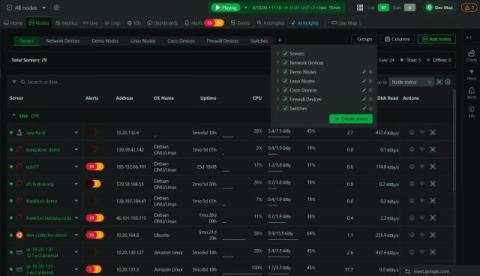
Node Groups: Organize Your Infrastructure Into Reusable Views

When you’re managing a handful of nodes, the flat list in the nodes tab works fine. When you’re managing hundreds or thousands, it becomes a wall of hostnames. You end up applying the same filters repeatedly: all the production database servers, all the nodes in eu-west, all the Kubernetes workers in the staging cluster. The filters work, but they don’t persist, and there’s no way to share them with the rest of your team. Node groups solve this.