Operations | Monitoring | ITSM | DevOps | Cloud

The latest News and Information on Status Pages and related technologies.

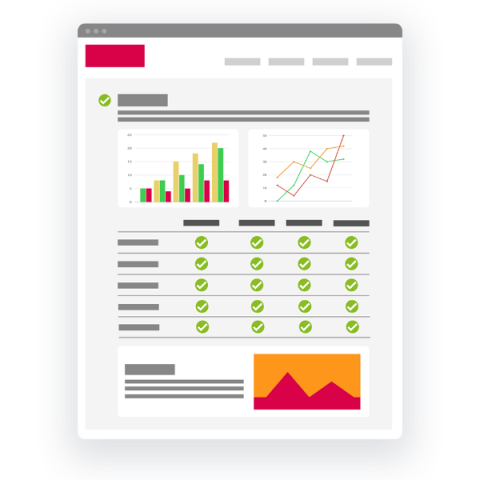
How to: Pingdom super powered status page

Pingdom is one of the most used website monitoring tools, with almost 15 years in the business. It excels at providing simple and reliable synthetics as well as real user monitoring. This monitoring tool provides a simple public status page, but as you might have noticed it’s quite limited. It only serves as a display of your uptime and response time history, not much more than that.

IT Incident Response is Improved with a Corporate Status Page

To understand the impact that stovepipes have on incident response, one need look no further than the 9/11 terrorist attacks that occurred in the United States. The CIA, DoD, and FBI all knew about the Al Qaeda terror threats before the planes hit the World Trade Center, but the 9/11 Commission found that a lack of data and intelligence sharing among the agencies limited each agency’s understanding of the looming terrorist threat; thereby, limiting their incident response.

Pingdom Powered Status Page

Pingdom is one of the most used website monitoring tools, with almost 15 years in the business. It excels at providing simple and reliable synthetics as well as real user monitoring. This monitoring tool provides a simple public status page, but as you might have noticed it’s quite limited. It only serves as a display of your uptime and response time history, not much more than that.

How to add Scheduled Events to your Status Page?

In this video, you’re going to learn exactly how to add Scheduled Events to your Status Page? To be clear: Creating a Status Page & adding Scheduled Events to it takes hard work. But with this video tutorial, you’ll have a proven process that you can use to save a lot of time. By this method, you save a lot of time and can relax more. Fyipe is a complete Site Reliability Engineereing (SRE) platform. It gives you a beautiful status page for your business, monitors your web apps, and alerts your team when downtime happens.

How to create a Status Page for your business in under 3 minutes?

In this video, you’re going to learn exactly how to create a Status Page for your business in just 3 minutes! To be clear: Creating a Status Page takes hard work. But with this video tutorial, you’ll have a proven process that you can use to create a Status Page under 3 minutes and save a lot of time. All in all, you save a lot of time and can relax more.

Statuspal vs Atlassian Statuspage

So you’re getting flooded by customer’s emails and phone calls whenever an incident arises in your business? It’s time to setup your very own status page! You might be thinking that there are so many options and you’ve probably heard of Atlassian’s Statuspage so now you want to make sure you pick the best status page provider. Well, you’re in the right place! Here are 5 reasons why you should pick Statuspal over Atlassian’s Statuspage.