Announced at ObservabilityCON 2026, Pages is a new feature that gives you custom, interactive visualizations. All you have to do is ask Assistant. Mat Ryer, Sr. Director of AI shares just one example.
Join us for a Grafana Campfire on the New Text and Table panels. See how the redesigned Text editor lets you write and preview side by side, and how Handlebars templates, value mappings, thresholds and Mermaid diagrams turn your query results into rich, data-driven content. Then we’ll look at Table’s new ad hoc interactions (hide, filter and group, right in the table) and a first look at how Table works with Grafana Assistant.
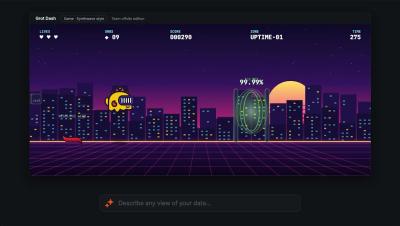
Grafana Pages is now in public preview in Grafana Cloud. Tell Assistant what you want it to see , and Pages builds it: a custom visualization, an app, a slide deck, or even a game. Pages are for the moments a dashboard can’t cover, like walking leadership through a launch, starting your day with a view of the services you own, or turning an incident into a story everyone can follow.
In this episode of the Grafana OTel Community Call, we're joined by Bejal Lewis and Paschalis Tsilias from Grafana Labs to talk about OpAMP, the Open Agent Management Protocol, and what it takes to manage OpenTelemetry Collectors at scale. We'll cover what OpAMP is and why fleet management matters, where the spec stands today (it's still pre-release), and what it was like building production tooling on top of it.
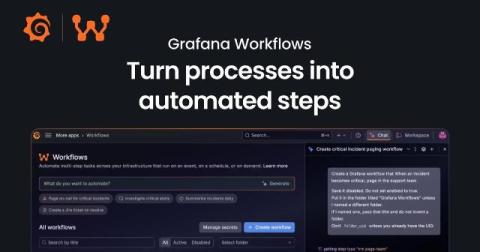
You're investigating checkout errors when someone asks who's coordinating the incident. Support needs an update, and another responder is looking for the runbook. You stop what you're doing to get everyone pointed in the same direction. They're all reasonable requests, but each one takes your attention away from understanding the problem. Yes, your team has a process for handling incidents, but carrying it out is another job for someone who's already busy.
You've just finished a deployment, and though your service is up, you start to notice some requests are getting slower. To address the lag, someone—or, more likely, some group of people on your team—needs to watch the dashboards, decide whether the change matters, investigate what happened, and turn the findings into a fix. At each step you're gathering context—and often explaining that context again to the next person or tool.
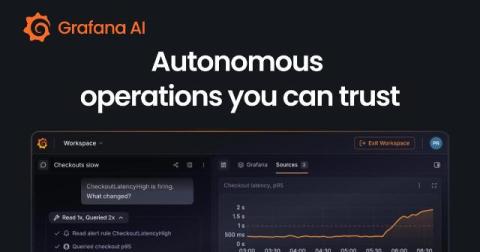
Today at ObservabilityCON 2026 in San Francisco, we unveiled a range of new Grafana Cloud capabilities designed to reshape cloud economics, bring richer context and deeper visibility across your systems and end-user experiences, and help teams move toward autonomous operations. Check out the keynote to learn more about the latest updates to the open agentic observability cloud, and read on for a quick recap of all the news from ObservabilityCON 2026.
Join Grafana Labs CEO/Co-founder Raj Dutt, CTO Tom Wilkie, members of the engineering team, and Omar Lopez, Head of Observability for SailPoint, for the kickoff of ObservabilityCON 2026, where they share the latest in AI for observability, observability for AI, and solutions for all.
When you ask Grafana Assistant to build a dashboard or investigate an alert, you're doing so because there's work to be done. To do that work effectively, you need the right data, changes you can inspect, and conclusions supported by evidence. You also want Assistant to avoid mistakes and act quickly. Over the past six months, our team has worked hard to improve what makes those outcomes possible.
When you’re on the go, your phone is often the only observability tool you have. And what you can do with it in the first few minutes matters. With the incredible innovation that has gone into mobile CPUs, GPUs and displays, a phone is a powerful device where you can immediately see what’s happening and start acting on it. And the Grafana mobile app now allows you to both see and act.
Adaptive Metrics , which is part of the Adaptive Telemetry suite, looks at how your metrics are actually used and recommends how much detail you should keep for each metric. This helps you cut costs while still retaining the data you actually need. Last year we added auto-apply capabilities that let you implement those recommendations automatically, but only with coverage-first behavior, maximizing coverage of whatever you're querying.
Digital Experience Monitoring (DEM) in Grafana Cloud combines frontend observability, synthetic checks, and session replays with backend telemetry to give engineering teams an end-to-end view of customer experience. In this video, Senior Developer Advocate Marie Cruz gives an overview of DEM and a deep-dive demo of how it works in Grafana Cloud.
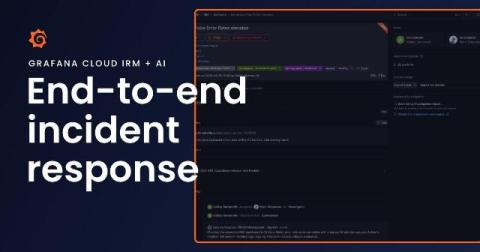
You’ve got 10 minutes before your next meeting when your phone starts ringing. You’re being paged because the frontend is erroring with failed API requests. You open one tool to see what fired, then another to figure out what’s going on. You message a teammate in Slack to see if they’re noticing the same thing. That’s a lot of context switching, and it’s still how a lot of teams' incident response works today. Opening another tool and catching someone up takes time.
In honor of World Space Week, we're spotlighting Jackson Sweeney's story and his role in Blue Ghost Mission 1. As a Thermal Engineer at Firefly Aerospace, he used Grafana to ensure that the spacecraft maintained the right temperature throughout the mission... and receive a Golden Grot Award for his use case. Behind every successful moonshot are people solving one hard problem after another. For engineers like Jackson, that means turning an extraordinary ambition into thousands of practical decisions.
Trace redaction permanently removes sensitive data from your traces, for when something like an API key ends up in a span attribute. Tempo 3.0 could do it, but only from a list of trace IDs, so you had to go find every affected trace first. In Tempo 3.1 you can hand it a TraceQL query instead. Separately, trace-by-ID got a filter. You normally ask for a trace and get all of it. Now you can pass a TraceQL query and get back only the spans that match.
In this Pyroscope community call, we look at what eBPF is, where it came from, and how the OpenTelemetry eBPF profiler uses it to profile supported workloads without application code changes.
If you’ve built your telemetry pipelines around OpenTelemetry Collectors, you’ve already invested in a collector distribution, YAML configuration, and a deployment model that fits your infrastructure. As that deployment grows, managing it means keeping shared configuration consistent, accommodating different workloads, and understanding whether your collectors are healthy. Fleet Management in Grafana Cloud brings those tasks together in one place.
As your use of Grafana Cloud Synthetic Monitoring grows, so does the number of checks you need to manage across services, environments, and teams. Eventually, a single flat list of checks becomes difficult to navigate, and even simple questions get harder to answer: Which checks belong to the payments team? Can I disable everything in staging during a maintenance window? Who should be able to edit the checks for this service?
There are times when you have a panel which does not show any data because there is none and it might be a good idea to hide it until it start showing. Learn how to do this in Grafana.
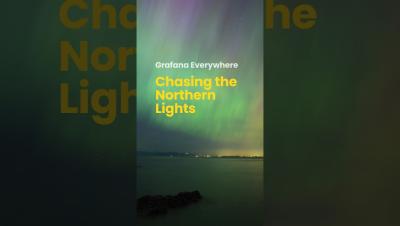
As we get into the full swing of prime Aurora viewing season, hear how this Golden Grot Award-winning project by Mohamed Adem uses free, public data and Grafana Assistant to explore whether an aurora will actually be visible.
The Grafana Mobile App lets you triage alerts with help from Assistant from your phone. You can declare an incident or trigger an investigation into an incident in order to get more information so that by the time you get to your desktop, everything is ready for you. Grafanistas Ignacio and Florian go through a use case deep dive, demonstrating the value of the Grafana Mobile Companion app by triggering an investigation, talk to Assistant, and have all the data you need to resolve an incident - all from your phone.
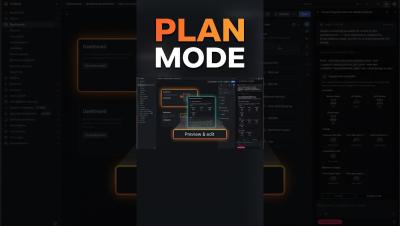
With the plan mode you can get a preview what kind of panels you want to have in your dashboard that safe a lot of tokens, efforts and computing resources when using Grafana Assistant AI.