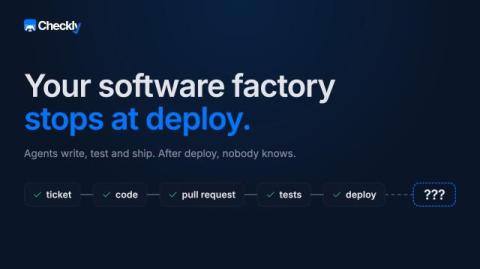
Most people investing in software factories fail to close the loop. Agents write, review, test and ship code, but then the factory loop ends. What happens after deploy? Nobody knows.
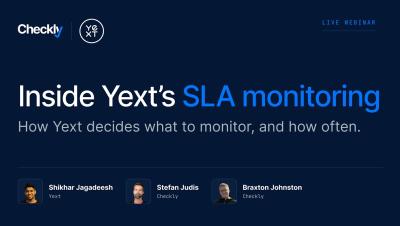
Yext uses synthetic monitoring to prove and meet SLAs, by tying Checkly checks directly to SLOs and user-facing SLIs. Stefan (Developer Relations), Braxton (Solutions), and Shikhar (Engineering Productivity at Yext) cover the SLA/SLO/SLI basics, the math behind "all these nines", and how Yext turns those targets into concrete checks with monitoring as code.
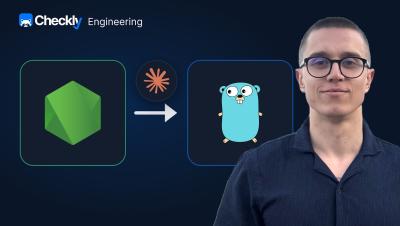
Stefan sits down with Eddie, senior engineer at Checkly, to talk through how an AI agent rewrote a legacy Node.js service in Go, and what it actually took to ship that to production safely.
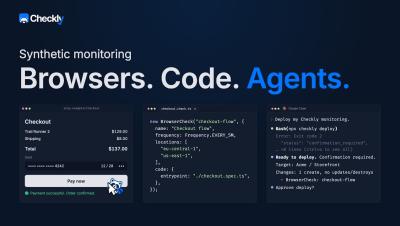
Learn how Checkly does synthetic monitoring with real browsers to run your critical flows on a schedule. Get alerted with screenshots and traces s when something breaks, and define the whole setup as code in your repo. Chapters.
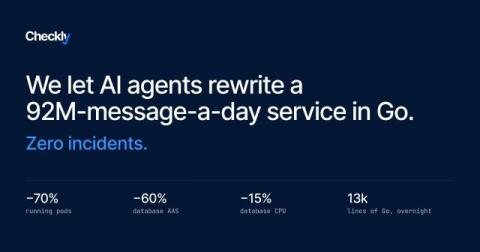
Our Results Daemon processes about 92 million messages a day. We recently rewrote it from Node.js to Go, and we let Claude Code write it. We wanted to know whether we could trust an agentic rewrite for a critical, high-throughput production service rather than a prototype. It shipped with zero incidents, a 70% reduction in running pods, and a lighter database load.
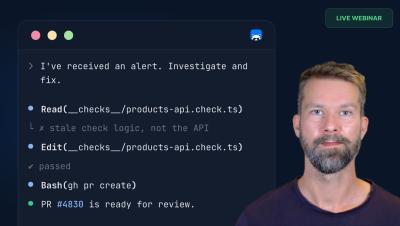
Your AI agent can set up your monitoring, report on platform health, and open a PR to fix a failing check. All this works automatically. In this webinar, Stefan (Developer Relations at Checkly, Google Developer Expert & Playwright Ambassador) demonstrates how Monitoring as Code makes Checkly agent-friendly by design, and walks through three agentic workflows live.
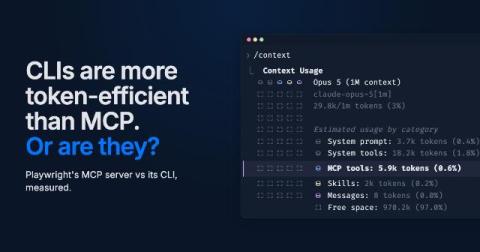
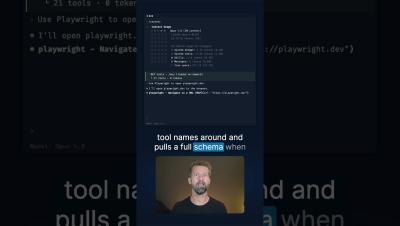
MCP servers have a reputation: they eat your context window. CLIs paired with skills, on the other hand, are more token efficient. But is this still true? I dropped all my MCP servers five months ago. Five months is a long time in AI land. When Anthropic came up with the concept of skills, many people stopped using MCP servers in favor of CLI tooling and skills.
Playwright 1.59 added a `cli` parameter to the `--debug` flag, and this enables your coding agent to use the built-in step-through debugger. Step through the test steps, inspect network traffic at every moment, and access the accessibility tree. The same debugger is now usable without the inspector window.
"MCP burns too many tokens" is old news. Lazy MCP tool loading and page snapshots on disk fixed the token problem. We benchmarked Playwright MCP vs the CLI, and they're roughly the same. Pick your tools based on workflow, not token anxiety.
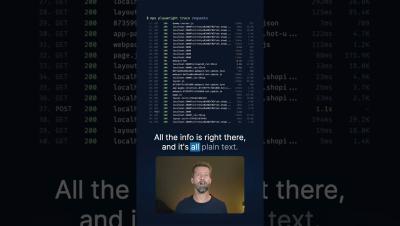
Since Playwright 1.59, the new "trace" command makes your test traces fully accessible in the terminal. All plain text, and your agent will love it. And if you're running Playwright with Checkly, our AI agent, Rocky, already reads your traces and delivers root-cause analysis before you even start digging.