Operations | Monitoring | ITSM | DevOps | Cloud

The latest News and Information on Status Pages and related technologies.

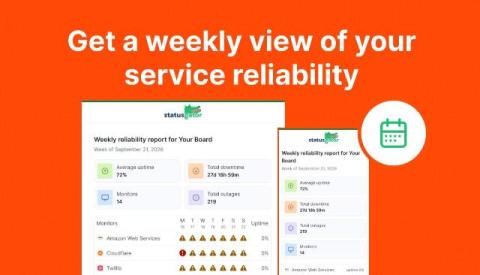
Get a weekly view of your service reliability

StatusGator already keeps you informed as outages happen with status change notifications and Early Warning Signals. Now, you can also get a simple summary of how your services performed over the past week. We’ve added Weekly Uptime Reports, delivered directly to your inbox. Each weekly report gives you an at-a-glance view of your StatusGator board, including: This makes it easy to review the week without digging through individual incidents or notification emails.

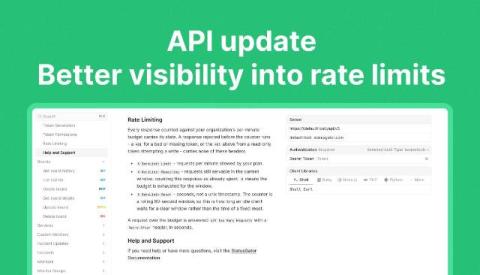
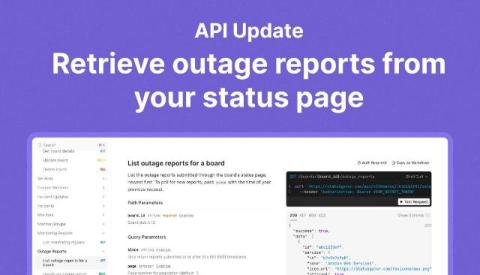
API update: Better visibility into rate limits

We’ve updated the StatusGator API v3 to help you see how many requests your integration can make and handle rate limits more smoothly. Responses that count toward your organization’s per-minute limit now include three headers: If a request exceeds your limit, the API returns 429 Too Many Requests and a Retry-After header telling your integration how many seconds to wait before trying again.

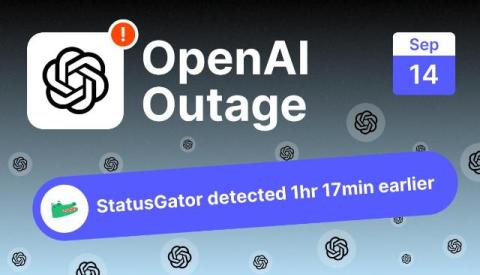
OpenAI outage on September 14, 2026: "some tools are temporarily unavailable" errors hit ChatGPT worldwide

ChatGPT’s tools and workspace features failed for users around the world on September 14, 2026, with the message “Some tools are temporarily unavailable” blocking spreadsheet and document creation, Codex, Projects, file reading, and dictation while core chat largely kept working. StatusGator sent an Early Warning Signal at 14:41 UTC, 1 hour and 17 minutes before OpenAI publicly acknowledged the incident at 15:58 UTC.

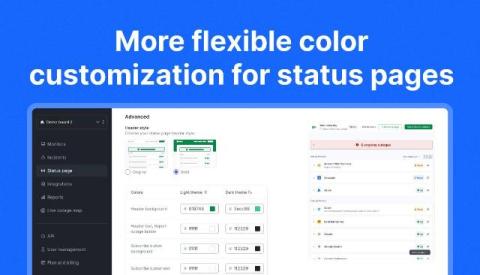
More flexible color customization for status pages

We’ve expanded status page color customization to give you more control over your branding and support a wider range of color combinations. Previously, you could select one primary color and one text color for each theme. These colors were applied across multiple elements, which could make it difficult to achieve the right contrast or match certain brand styles. Now, you can customize individual parts of your status page separately for both light and dark themes.

Status Pages: Publish Post-Mortems on Your Incidents

Status pages now have a place for the last step of an incident: the post-mortem. Once an incident is resolved, you can write what happened, why it happened, and what you are changing, then publish it on the incident itself. Until now, the updates you posted during an outage ended with "Resolved", and the explanation lived somewhere else: a blog post, a PDF sent to a few customers, or an email thread. Customers who read the incident on your status page never saw it.