Operations | Monitoring | ITSM | DevOps | Cloud

AI Prompts For IT Asset Management: Ready-to-Use Inventory Questions

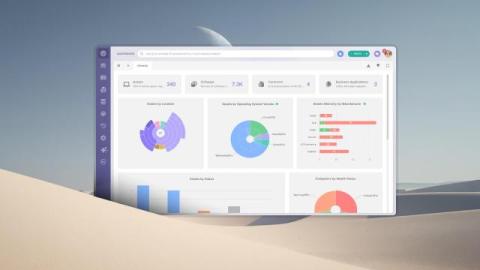
AI prompts for IT Asset Management (ITAM) are the questions and instructions IT teams type into an AI assistant to get answers from their asset inventory. They're searched by IT asset managers, technicians and IT leaders whose assistant can already read inventory data and who want ready-made questions that return useful answers about devices, owners, warranties and costs.

AI Agent And Digital Certificate Inventory: How to Track Your Invisible IT

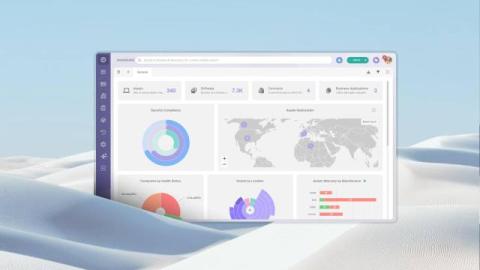
An AI agent and digital certificate inventory is a record of every AI agent and digital certificate an organization runs, with what each one does, who owns it, what it connects to and when it expires or needs a review. IT and IT Asset Management (ITAM) teams build one because both kinds of asset keep critical services running with no hardware to scan, no purchase order to trace and, very often, no owner on record.

Shadow AI: How to Find And Control The AI Tools Your Company Didn't Approve

Shadow AI on company computers often starts with an AI agent that an employee installed on their own, signed in with a personal subscription and connected to internal systems through a Model Context Protocol (MCP) server. Shadow AI is one branch of shadow IT, with a shorter path from install to impact: these tools set up quickly, act on files and systems, and work under whatever account the employee chose. This guide skips the long definitions and goes to the practical part.

IT Asset Audit: 7 Steps to Audit Hardware, Software And Digital Assets (2027)

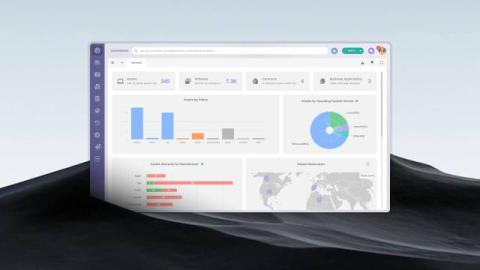
An IT asset audit is one of those processes most IT teams know they should run regularly and rarely do well. Records drift from reality, licenses go unchecked, and the first sign something is wrong usually arrives as an auditor's request or an unexpected vendor notice. This guide explains how to perform an IT asset audit step by step, what to verify for each type of asset, and where the evidence for each check comes from.

Map a Service in Your CMDB With AI Suggestions

See how to create a Business Application in InvGate Asset Management and map the Configuration Items (CIs) behind any service using AI-powered relationship suggestions. Add one CI, let the system suggest what connects to it, and apply the suggestions to build your map in a couple of clicks. It also identifies the type of each relationship, so the map reflects how your infrastructure actually works.

Exploring InvGate Service Management's No-Code Workflow Builder

Clear workflows make everyday work easier, but only when people can build and use them without friction. A process shouldn’t depend on technical skills or one specific owner to exist or make sense. InvGate Service Management’s no-code workflow builder focuses on accessibility from the start. Teams create workflows using a drag-and-drop editor, reusable building blocks, and no-code action connectors, which keep each step easy to follow and modify.

Introducing Agent Studio and Autonomous Agents in InvGate Service Management

When AI knows how to resolve a ticket, teams still need a way to decide how much it can do on its own. Today, that often means choosing between keeping a human in charge of every action or giving the AI broad autonomy. There’s no practical middle ground, so teams get stuck wherever they started, usually the most conservative setting. Even when AI already knows the right answer, the ticket still ends up in a human’s queue.

New Digital Asset Inventory Capabilities in InvGate Asset Management

InvGate Asset Management now tracks certificates, AI agents, automation workflows, and scripts as native Configuration Items (CIs). Each one carries the ownership, lifecycle fields, alerts, and change history already applied to hardware and software records. The components that run daily operations without appearing in any inventory now have a place in one. These four CIs are a starting point rather than the full definition of a digital asset.