Operations | Monitoring | ITSM | DevOps | Cloud

Site24x7 APM business transactions explained

Learn how to set up and monitor Business Transactions using Site24x7's APM Insight in this step-by-step tutorial. We walk through configuring APM Business Transaction Rules, defining transaction criteria (like HTTP method and URL patterns), and analyzing key performance metrics such as response time, throughput, Apdex score, request count, and exception rate. Whether you're troubleshooting slow application performance or setting up proactive monitoring for your business-critical transactions, this video shows you exactly how to get actionable insights from your APM dashboard.

Cavalry or cattle? Let the machine decide

Long before dashboards and decibel-loud alerts, there were watchtowers. Every kingdom worth its salt had them, men perched on hills, lighting fires to signal the moment they spotted something suspicious on the horizon. It was, in its time, a fine system. The trouble was that watchmen, being human, occasionally mistook a herd of cattle for an invading army, or a dust storm for smoke, and lit their fires anyway.

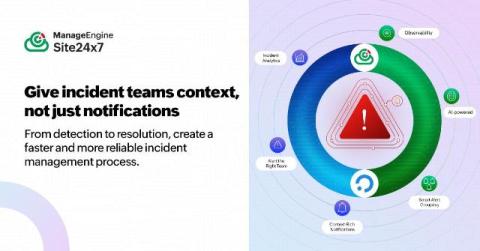
How to build a resilient incident management workflow using ilert

Your payment API suddenly returns 503 errors. Within seconds, your infrastructure monitors, application checks, and dependency monitors begin generating their own alerts. And while the dashboards keep flashing, the clock is still running. Your customers are waiting, internal teams are asking for updates, and engineers are trying to separate the real problem from the noise before the situation gets worse.

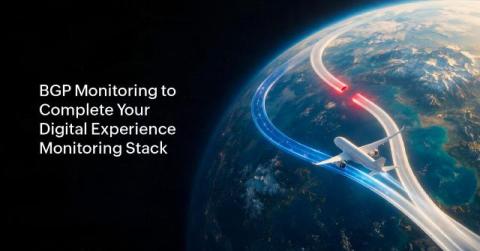
BGP monitoring: Fixing the blind spot in your digital experience monitoring stack

Without Border Gateway Protocol (BGP) monitoring, your digital experience monitoring (DEM) stack can't detect the route hijacks, leaks, or instability that prevent users from reaching your applications. Most DEM stacks miss this entirely, and that gap is where some of the most damaging, hardest-to-diagnose outages happen.

Site24x7 Free Training Day 2: Infrastructure monitoring, custom plugins, cloud cost management

This session covers everything you need to know about infrastructure monitoring, starting from agent-based server monitoring to database monitoring, container monitoring (Docker & Kubernetes), multi-cloud monitoring (AWS, Azure, GCP, OCI), IT automation, custom plugins, and ManageEngine CloudSpend for cloud cost management. If you're looking to master full-stack infrastructure observability, this hands-on walkthrough shows you exactly how to set up and use each Site24x7 module inside the live console.

How to install Kubernetes using OpenShift's CLI | Site24x7

Running Kubernetes on Red Hat OpenShift adds powerful enterprise capabilities—but also introduces operator-driven workloads, stricter RBAC and SCC policies, and platform-specific complexity. In this video, learn how Site24x7 enables platform-aware monitoring for OpenShift environments, helping DevOps and platform teams gain complete visibility without blind spots.