

Operations | Monitoring | ITSM | DevOps | Cloud

How to Monitor Your ISP's Performance: A Step-by-Step Guide for IT Teams

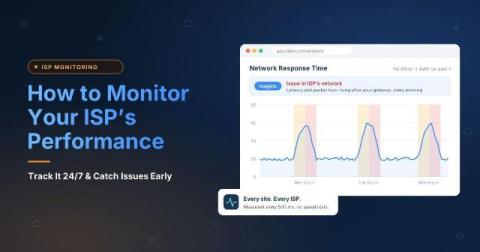
Most ISP problems don't show up as low speed. They show up as calls that break up every afternoon, a cloud app that times out at one branch, or a connection that drops for 30 seconds and recovers before anyone can test it. By the time someone runs a speed test, the results look fine, and ISP support asks for evidence you don't have. Continuous monitoring solves this by measuring all the time, so the data is already there when something goes wrong.
How to Prove Your ISP Is the Problem (With Data)

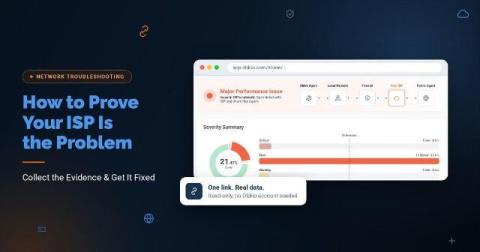
You call your ISP because calls keep dropping and the Internet crawls every afternoon. Support asks you to restart the modem. Then they test the line from their side, see nothing wrong, and tell you everything looks fine on their end. By the time a technician shows up, the problem is gone, and the ticket gets closed. The issue usually isn't that your ISP doesn't care. First-line support is trained to rule out the customer's network first, and most complaints arrive with nothing they can check.