Operations | Monitoring | ITSM | DevOps | Cloud

Introducing GitKraken.dev: Everything GitKraken, Now In Your Browser

For almost a decade, GitKraken has been building developer-first Git productivity tools and services, with one clear goal: to make devs and their teams more effective and efficient. Our journey began with desktop-centric and IDE-based tools like GitKraken Client and GitLens for VS Code, which have both become integral to the workflow for tens of millions of developers. Our tools and capabilities are robust.

Changelog Breakdown | GitKraken CLI v1.21: Cloud Patches & Focus View

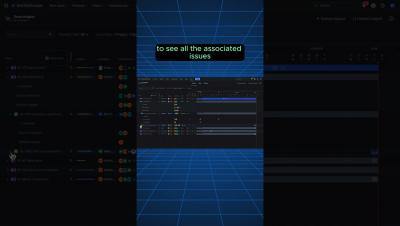
It's one thing to read the changelog, but another to see it in action. 👀 The GitKraken CLI brings new time-saving powers to your favorite terminal with Cloud Patches and the Focus View. The Focus View is especially handy for seeing a list of pull requests, issues, and WIPs you're working on.

Jira GitLab Integration - How to see Git commits, merge requests, and more in Jira.

Integrating GitLab with Jira will let your Jira users see Git commits, branches, pull requests, and more inside of Jira. This keeps your teams in sync and avoids unnecessary questions and meetings.The easiest and most flexible way to create a GitLab Jira integration is by using the Git Integration for Jira app on the Atlassian marketplace. This video walks through how to get the app, create the integration, and use the GitLab information that is now in Jira.

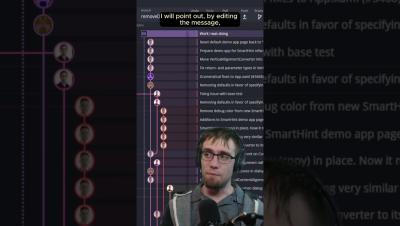
What was it like teaching scientists Git? #shortsvideo #shorts #gitkon

In his #gitkon session, Jason from Sandia National Laboratories says it wasn't a walk in the park. 😬 With loyalties to SVN and CDS, his team struggled to embrace this new version control system. But as they delved into Git, the game changed. 👀 Jason unveils how breaking old habits and learning Git opened doors to more efficient and collaborative scientific research.