Operations | Monitoring | ITSM | DevOps | Cloud

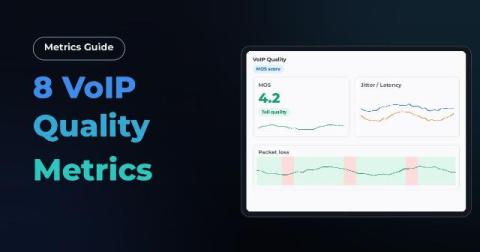
8 VoIP Quality Metrics: What They Are and How to Measure Them

A dropped call costs more than the interruption itself. It means a missed deal, a frustrated customer, or a support ticket that shouldn't exist. When VoIP quality slips, the usual first sign is vague: calls "sound bad" or "keep cutting out," with no clear starting point for troubleshooting. That vagueness is avoidable. VoIP call quality isn't subjective at the network level.
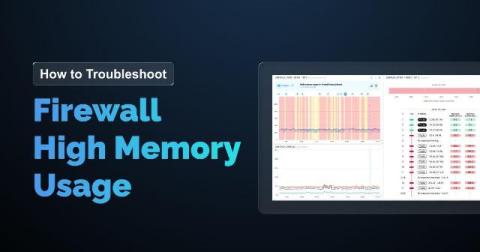
Firewall High Memory Usage: How to Troubleshoot and Fix It

A firewall running low on memory rarely fails all at once. It degrades first. Connections drop intermittently, policies take longer to process, and by the time the device becomes unresponsive, the problem has been building for days or weeks. This article walks through what firewall memory usage actually means, what causes it to climb, how to spot the symptoms early, and how to troubleshoot and fix it before it takes your network down with it.

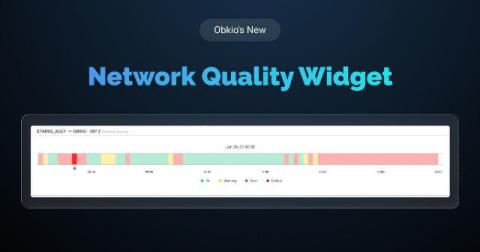
Introducing Obkio's Network Quality Widget: See Network Health at a Glance

We've been making a series of improvements across Obkio’s Network Monitoring and Observability application, and a lot of that work has been focused on one goal: simplifying not just how we show network performance data, but how easy it is to actually interpret and understand that data. Not everyone monitoring a network has the time, or the networking background, to dig through graphs line by line to figure out what's going on.

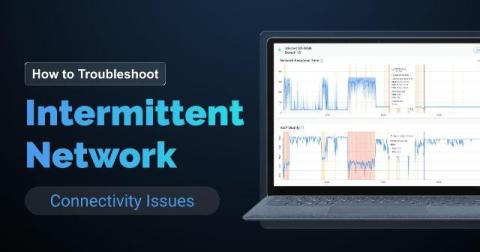
How to Troubleshoot Intermittent Network Connectivity Issues

A full outage is the easy version of this job. Something goes down, someone notices immediately, you fix it, and you move on. Everyone understands that problem, including the users complaining about it. Intermittent network connectivity issues are a different animal. Your network connection works, then it doesn't, then it does again, all on its own, usually before you've had a chance to open a single tool. By the time you sit down to look, the network is behaving perfectly.

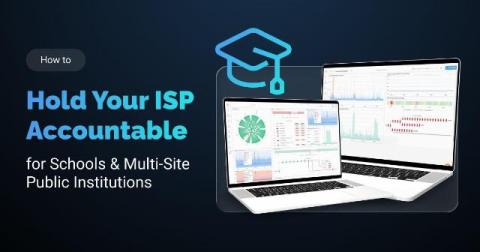
How to Hold Your ISP Accountable: Network Monitoring for Schools & Multi-Site Public Institutions

The Internet at one of your school sites slows to a crawl. Teachers can't load their lesson plans. A video call for a virtual class freezes. Your IT team calls the ISP. The ISP runs its own checks and tells you everything looks fine on their end. Sound familiar? This is the core problem every school board and public institution runs into eventually. Your ISP has full visibility into their own network. You don't.