
TryHackMe Alternatives for Blue-Team Training

Image Source: depositphotos.com
For IT operations teams moving into defensive security, TryHackMe is a common first stop.
Its guided rooms run in the browser, and its SOC Simulator has analysts triage alerts and write case reports in scenarios that can run in Splunk, Elastic or Sentinel.
As skills develop, training needs change. You might want longer investigations, a certification that fits a development plan, progress reporting across several analysts or labs that look like your own tooling.
Those needs are a useful starting point for comparing alternatives.
The nine options below are compared by use case, learning format, tooling and pricing.
Prices come from vendor pages and announcements checked in October 2026, not live quotes, so confirm billing periods, currencies, taxes and access terms before you budget.
Key takeaways
- Choose for the workflow. Prioritize alert investigation, case handling and incident write-ups over raw module counts.
- Match difficulty to experience. Guided courses help with onboarding, while less-guided investigations give experienced analysts room to practice judgment.
- Compare like-for-like costs. Some platforms publish individual subscription prices, while enterprise ranges generally require a quote. Certification bundles and lab subscriptions often cover different access periods.
How to choose a blue-team training platform
Before comparing catalogs, pin down the work your analysts need to practice. These six criteria help narrow the shortlist.
Workflow realism. Look for a security operations center (SOC) workflow: review an alert, search logs, assess impact and document a decision.
A security information and event management (SIEM) tool pulls logs together for that investigation, but the decisions a lab demands matter more than how its dashboard looks.
Guidance level. Guided content builds a foundation, while unguided investigations test whether learners can choose their own next steps. Many teams benefit from both, in that order.
Team features. For several analysts, check whether the plan supports assignments, progress dashboards and report exports. Don't assume individual subscriptions include management tools.
Role alignment. NIST's NICE Framework gives a shared vocabulary for cybersecurity work roles and the tasks inside them. Use it to compare training with what your team actually does.
If a vendor doesn't publish a mapping, review the syllabus yourself rather than assuming alignment.
Pricing transparency. Separate course fees, certification fees and ongoing lab access.
Record the currency, billing period, tax treatment and access limits, since an advertised monthly equivalent may require annual payment.
Lab delivery. Browser-based machines reduce setup on managed laptops, though access still needs approval.
Virtual private network (VPN) connections may need firewall changes, so check your network policy before buying seats.
The shortlist: nine TryHackMe alternatives for blue-team work
Each entry covers who it suits, the training format, dated pricing and what to check before buying.
The last two are free supplements for web security and fundamentals, not replacements for SOC investigation training.
Prices and product details reflect vendor statements, not an independent assessment of training quality.
1. Hack The Box Academy
Who it's for: teams that want offensive and defensive material from one provider.
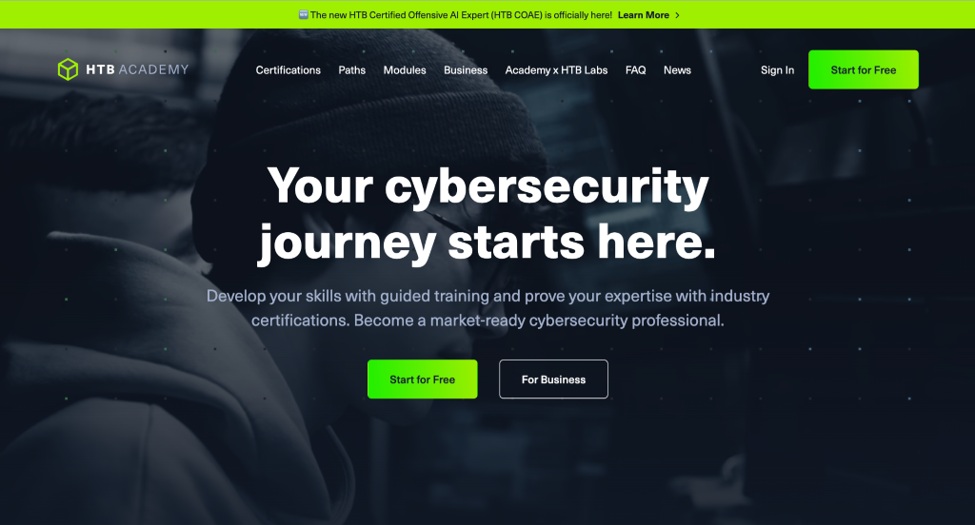
Format: guided modules across offensive and defensive security. Hack The Box acquired LetsDefend on September 16, 2025, and now lists 191 defensive courses from LetsDefend inside Academy.
Pricing (USD, announced September 3, 2026): new rates apply from October 12, 2026. Monthly plans are Student $10, Silver $30, Gold $95 and Platinum $125, while Silver Annual is $550 and Gold Annual is $1,400.
Watch-outs: monthly plans now unlock modules by tier instead of a monthly cube allowance. Confirm which tier covers the defensive paths you need.
2. CyberDefenders
Who it's for: analysts who want evidence-based investigation practice with a separate certification route.
Format: investigation labs where learners reconstruct events from evidence. Its Certified CyberDefender Level 2 (CCDL2) ends in a 48-hour hands-on exam, with an entry-level CCDL1 below it.
Pricing (USD, announced March 2026): CyberDefenders renamed its CCD certification to CCDL2 and listed $1,199 for the course and exam bundle or $849 for the exam only.
Watch-outs: the CISA training catalog lists at least one year of cybersecurity or IT experience as a CCDL2 prerequisite. Compare the certification bundle separately from ongoing lab access.
3. Centri (Blue Team Labs Online, BTL1 and BTL2)
Who it's for: defenders who want a structured certification path and a place to keep practicing afterward.
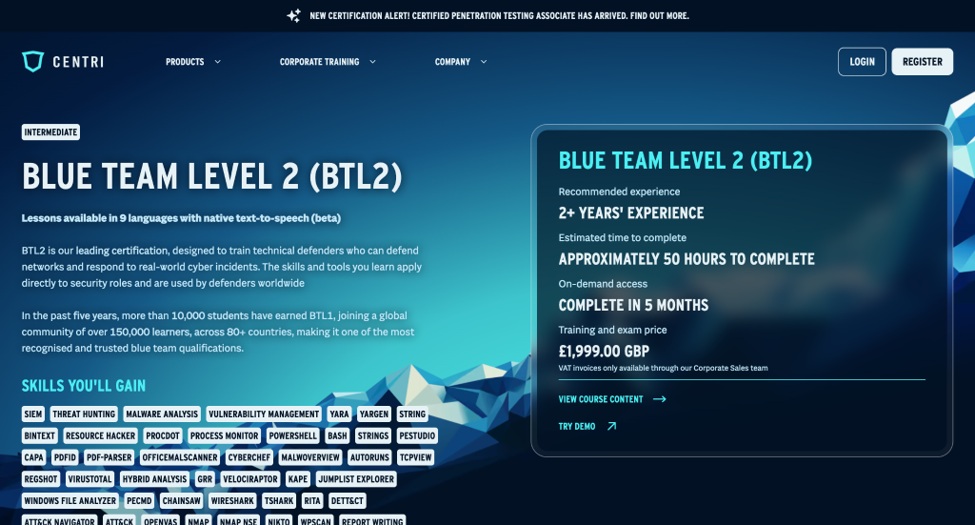
Format: Centri (formerly Security Blue Team) offers hands-on BTL1 and BTL2 training and certification alongside Blue Team Labs Online, a set of investigations covering incident response, digital forensics, security operations and threat hunting.
Its catalog also includes detection engineering (CDEA) and penetration testing (CPTA) certifications.
Pricing (GBP, checked October 2026): BTL1 is £399 and BTL2 is £1,999. Blue Team Labs Online Pro is £15 for one month or £144 a year.
Watch-outs: Blue Team Labs Online is designed for defenders who already have experience with security tools and investigations, so newer analysts may want to start with BTL1. Buyers outside the UK should budget for currency conversion.
4. LetsDefend
Who it's for: individuals who want SOC analyst practice with alert queues and case handling, including students on a budget.
Format: a simulated SOC where learners investigate alerts. The free Basic tier includes 15 SOC analyst alerts a month, while paid VIP and VIP+ tiers add more courses, labs and alerts.
Pricing (USD): Basic is free. VIP and VIP+ are billed monthly or annually, with listed annual savings of $100 and $120, and students with a .edu email get 50% off.
Watch-outs: LetsDefend is now part of Hack The Box, and many of its defensive courses also appear in Academy. Check for overlap before paying for both.
5. Cyberbit (including RangeForce)
Who it's for: enterprise SOC teams that need coordinated exercises rather than only individual lessons.
Format: team-based cyber range exercises built on attack simulation. Cyberbit acquired RangeForce in September 2025, adding cloud-based ranges for solo and team exercising.
Pricing: by quote.
Watch-outs: ask which Cyberbit and RangeForce capabilities your contract covers and how reporting works across both. A combined company doesn't automatically mean a single reporting view.
6. Immersive
Who it's for: larger organizations that treat training as part of a broader cyber readiness program.
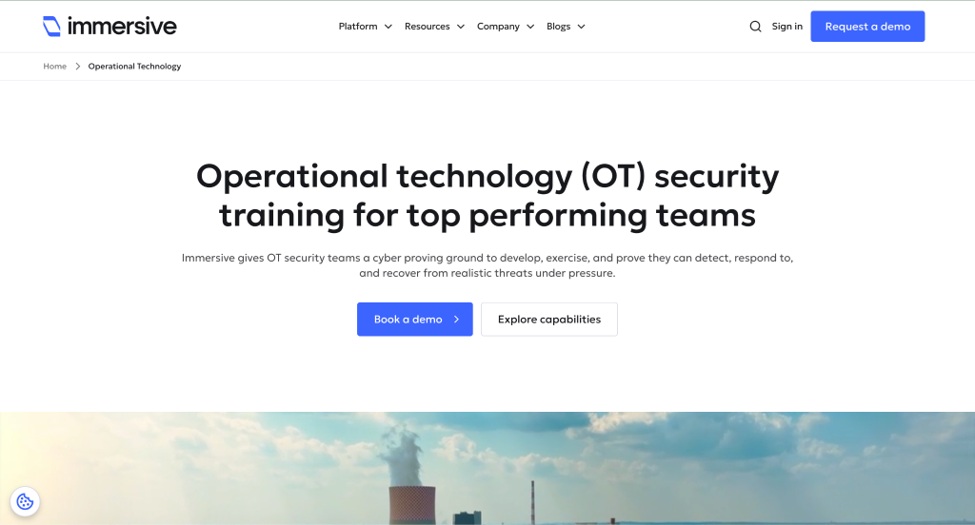
Format: Immersive Labs rebranded as Immersive in February 2025 and renamed its platform Immersive One. Hands-on labs remain part of it alongside cyber drills and range exercises.
Pricing: by quote.
Watch-outs: if you only need one or two seats, confirm minimum contract size and whether a small pilot is possible. Ask how progress is reported against the tasks your team needs to improve.
7. SimSpace
Who it's for: teams that need production-like environments for structured exercises.
Format: a cyber range platform that runs live-fire exercises in environments built to mirror an organization's own production setup.
Pricing: by quote, with demos on request.
Watch-outs: ask about setup time, supported tools and scenario design. A detailed range pays off when someone has time to plan exercises, run them and review results with participants.
8. PortSwigger Web Security Academy
Who it's for: defenders who need to understand web attacks to read web application firewall (WAF) logs, triage scanner findings and work with developers.
Format: free web security training from the makers of Burp Suite, with interactive labs at varying difficulty. The content leans offensive, which helps learners recognize attack traces in logs.
Pricing: free.
Watch-outs: these labs don't cover an end-to-end SOC workflow. Use them alongside investigation training, not instead of it.
9. picoCTF
Who it's for: new hires building fundamentals and teams running informal learning competitions.
Format: free capture-the-flag (CTF) challenges from Carnegie Mellon University. The picoGym practice area stays open year-round.
Pricing: free.
Watch-outs: CTF challenges build problem-solving, but they don't teach incident handling or reporting. Pair them with investigation labs when SOC readiness is the goal.
Comparison at a glance
This table summarizes the options rather than ranking them. TryHackMe appears as a reference row.
|
Platform |
Primary focus |
Learning mode |
Team-use considerations |
Indicative pricing |
|
HTB Academy |
Offense and defense |
Guided modules |
Confirm reporting access by plan |
Student $10; other monthly tiers $30 to $125 from October 12, 2026 |
|
CyberDefenders |
Defensive investigations |
Evidence-based labs |
Compare certification and lab access separately |
CCDL2 $1,199 bundle or $849 exam only |
|
Centri / Blue Team Labs Online |
Defensive skills and certification |
Structured courses and investigation labs |
Confirm team access and reporting options |
BTL1 £399; BTL2 £1,999; BTLO Pro £15 monthly or £144 annually |
|
LetsDefend |
SOC analysis |
Guided content and SOC simulations |
Check overlap with HTB Academy |
Free Basic; paid VIP and VIP+ |
|
Cyberbit (incl. RangeForce) |
Team-based defensive exercises |
Cyber range scenarios |
Confirm reporting across products |
By quote |
|
Immersive |
Organizational readiness |
Enterprise labs and drills |
Scope a pilot and reporting needs |
By quote |
|
SimSpace |
Production-like ranges |
Live-fire team exercises |
Allow time for exercise planning |
By quote |
|
PortSwigger Web Security Academy |
Web application security |
Attack-focused labs |
Use alongside SOC training |
Free |
|
picoCTF |
Technical fundamentals |
CTF challenges |
Useful for informal group practice |
Free |
Making platform training work in an IT operations environment
Training is more useful when analysts tie it to their monitoring, escalation and reporting work. These habits help turn completed labs into practical improvements.
Compare lab questions with your own monitoring. After a lab, use approved read-only access to check whether your tools could answer the same questions. Keep company logs and credentials out of external training services unless your organization explicitly allows it.
Schedule around change windows. VPN-based labs may need network approval, so raise access requests before rollout. Confirm that browser-based options work on managed devices rather than assuming they bypass security controls.
Set a manageable pace. One investigation per on-call rotation is a reasonable start, provided analysts get protected time outside active incidents. Ask each learner to note one lesson that could improve a runbook or ticket.
Connect tabletop exercises, labs and incident reviews. Discuss a scenario first, practice the technical steps in a lab, then compare the approach with a past incident.
Use that review to check whether your incident response plan covers third-party failures as well as the systems you own.
Measure accuracy as well as speed. Track triage accuracy, evidence quality and completion time across comparable exercises. Faster closure alone doesn't show better judgment, so avoid ranking analysts who completed different scenarios.
Map progress to work roles. Use the NICE Framework to show which job tasks a completed path supports. That gives managers a clearer development record than a list of course titles.
What to do after you choose: a 30/60/90-day plan
Use the first 90 days to test both the platform and the training routine. Keep the scope small enough to sustain alongside normal operations.
- Days 1 to 30: establish a baseline. Identify the tasks each analyst needs to improve, choose one path and confirm lab access. Use an initial exercise to record current strengths and gaps.
- Days 31 to 60: build consistency. Keep the lab schedule and run a tabletop exercise tied to a completed scenario. Review investigation notes, decision accuracy and completion times where the data is comparable.
- Days 61 to 90: review the results. Summarize participation, investigation quality and any runbook changes. Check whether the team used the paid features, then decide whether to renew, adjust the plan or switch platforms.
Choosing with your environment in mind
The right choice depends on the work you need to practice. A certification path paired with an ongoing lab subscription suits teams that want structured training followed by continued investigation practice.
Enterprise ranges suit teams planning coordinated exercises, while a mixed offensive and defensive catalog fits analysts whose roles span both.
Before committing, confirm current pricing, access periods, delivery requirements and reporting features. Completion counts matter less than clearer investigations, better incident notes and procedures analysts can use under pressure.
FAQ
Is TryHackMe enough for SOC analyst training?
It's a practical starting point for guided learning, and its SOC Simulator adds alert triage practice. Many teams add a less-guided investigation platform or a certification path as analysts gain experience.
Which TryHackMe alternatives are free?
PortSwigger Web Security Academy and picoCTF are free. LetsDefend and Blue Team Labs Online also offer free tiers with limited content.
Do analysts need a certification, or is lab practice enough?
It depends on the goal. Certifications give a structured path and a credential for development plans, while lab subscriptions support ongoing practice, so many teams use both.
How should I compare prices across platforms?
Separate certification fees from subscription costs, then check currency, billing period and access length. Annual plans often show a lower monthly equivalent but require payment upfront.