

Operations | Monitoring | ITSM | DevOps | Cloud

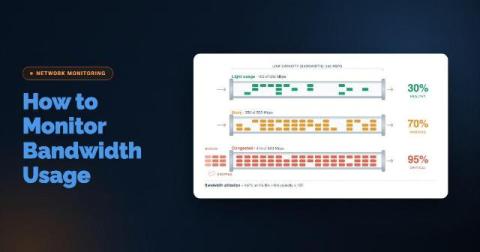
How to Monitor Bandwidth Usage: Techniques, Tools & Troubleshooting

Your Internet link averages 40% utilization, yet users still complain that calls drop and SaaS apps crawl every morning at 9:00. Averages are where bandwidth problems hide. A five-minute polling interval can smooth a 30-second saturation spike into a flat, healthy-looking line. A total-usage graph also won't tell you whether the traffic is a backup job, a compromised endpoint, or an ISP delivering less than you're paying for.
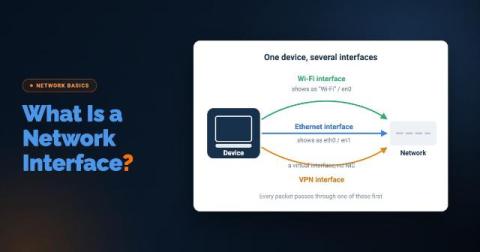
What Is a Network Interface (and Why Your Monitoring Tool Should Care)

A user opens a ticket: "The Internet is slow." IT checks the network. Bandwidth looks fine, no outages, no alerts firing. They check with the ISP, but nothing on their end either. Everything upstream checks out, and yet the user is still stuck watching a spinning wheel. What rarely gets checked is the one component sitting closest to the problem: the machine's own network interface.

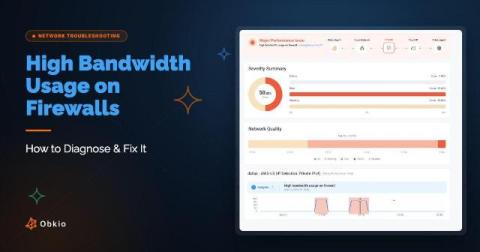
High Bandwidth Usage on Firewalls: How to Diagnose & Fix It

If your network has been feeling sluggish, connections keep dropping, or you're getting alerts that don't point to an obvious cause, high bandwidth usage is one of the most common culprits and one of the hardest to pin down without the right visibility. The tricky part is that "slow network" can mean a dozen different things depending on where the congestion is actually happening.