
Best AI Humanizer Tools for Ops and IT Teams Writing Technical Documentation in 2026

Image Source: depositphotos.com
You finish the postmortem at 11pm, push it to the knowledge base, and the next morning it comes back flagged. Not for a factual error – the reviewer's note says it reads like AI. So now you're rewriting a document that was already correct.
Most ops teams have hit some version of this. DevOps engineers, SREs, and IT ops managers draft runbooks, release notes, API documentation, and incident comms with Copilot, ChatGPT, or Gemini in the loop, because the alternative is writing them from scratch at 2am. The drafting problem is solved. The publishing problem isn't.
The reason is measurable rather than aesthetic. AI text is statistically distinguishable from human writing on dimensions that detectors and experienced editors both pick up on:
- Sentence length — AI averages around 29 words; human prose runs closer to 23.
- Word length — mean skews longer, 5.86 characters versus 5.24.
- Punctuation variety — fewer question marks, dashes, and asides.
- Abstract subjects — "The process involves..." instead of direct address.
- Uniform rhythm — lengths flatten rather than varying deliberately.
- Formulaic transitions — a small, predictable set on repeat.
None of that makes the documentation wrong. It makes it read as machine-assembled, which is enough for editorial platforms, knowledge base maintainers, and AI detectors to send it back – and the cost lands as rework cycles, delayed incident writeups, and eroded trust with the editors who screen your submissions.
AI humanizer tools address this by restructuring text at the grammatical level – new sentence subjects, different verb constructions, clauses repositioned, sentences merged or split – rather than swapping in synonyms. That distinction matters more for ops content than almost any other category. A runbook that says the wrong thing is worse than one that says nothing, so meaning retention is the first evaluation criterion, not the last.
Five tools worth evaluating, judged on how they handle technical content specifically.
1. HumanizeAI – Best for Technical Documentation Quality and Detection Transparency
HumanizeAI is a text refinement platform rather than a writing tool. It doesn't generate content – it takes AI-assisted drafts and restructures them for flow and structural variety without shifting register or padding length.
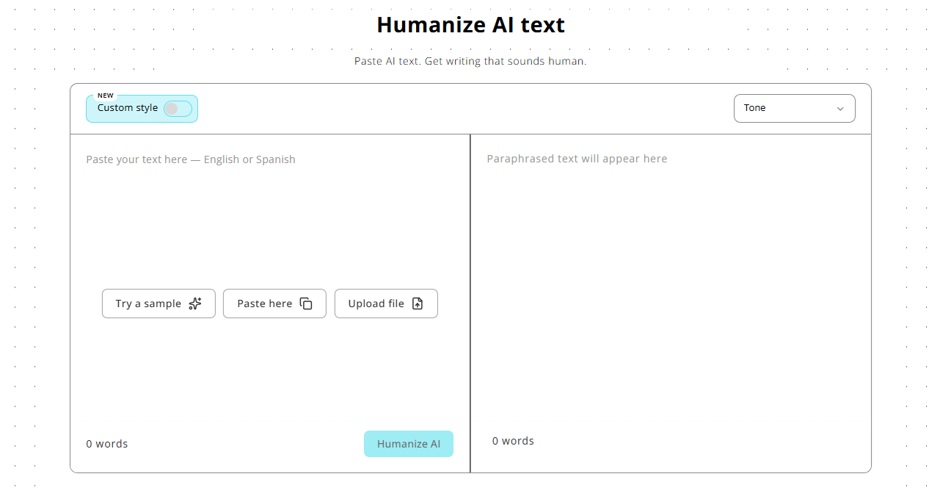
Register is the point that matters for ops teams. Most humanizers reduce detection scores by pushing text toward a casual voice: contractions, filler, simpler vocabulary. That works mechanically and ruins a compliance report. HumanizeAI stays inside the formal and academic zone and finds structural rewrites within it – the harder problem, and the right one for documentation.
Eight modes are selectable and the mapping to ops work is direct: Formal for compliance reports, Academic for technical whitepapers, Standard for runbooks and wikis, Shorten for alert descriptions and status page copy, Expand for thin documentation stubs, with Simple, Flowing, and Informal covering looser internal comms. An Ultra run toggle applies more aggressive pattern removal for drafts carrying a heavy LLM fingerprint; it's opt-in and requires an account.
Two features fit documentation workflows better than anything else here. The File-to-File Humanizer takes a PDF, DOCX, TXT, or MD file and returns the humanized version in the same format – no chunking a 4,000-word runbook through a text box. Upload caps are 10MB free, 25MB paid. Custom Style trains a saved profile on up to three of your own writing samples (150–1,200 words total), so output matches your team's documentation voice rather than a generic natural-sounding default. It persists across sessions and applies automatically.
On the review side, a View Changes toggle highlights every edit in green so an editor can see what moved, and Selective Rephrase re-runs a single flagged passage while leaving the rest untouched.
The detector is where the transparency claim earns itself. It checks against eight systems – Turnitin, Copyleaks, Originality.ai, GPTZero, Crossplag, Sapling.ai, Gowinston.ai, ZeroGPT – with pass/fail per detector, plus a reasoning panel explaining which measurable signal drove each classification and quoting the sentence it refers to. For a team that needs to understand a failure mode rather than just see a number, that's the useful output.
Limitations: the detector is manual – it doesn't fire automatically after a humanization run the way GPTinf's does. Custom Style requires registration, and Lite caps each process at 500 words, which is limiting for long documents.
Pricing: free with no account at 200 words per cycle, 400 with a free account, both with unlimited runs. Lite is $9.99/mo (10,000 humanizer words), Standard $19.99/mo (25,000 words, unlimited per process, re-humanizing and unlimited selective rephrase), Unlimited $59.99/mo.
Best for: technical writers and documentation teams who need formal register preserved and want to know exactly why something was flagged.
2. GPTinf.com – Best All-in-One Platform with the Strongest Plagiarism Attribution
GPTinf runs a proprietary non-LLM structural rewriting engine – sentences rebuilt at the grammatical level to produce a genuinely different token distribution rather than an LLM paraphrase pass. Two modes are available, Standard and Academic, fewer than several tools here. What it trades in mode breadth it makes up in suite coverage: humanizer, detector, plagiarism checker, grammar checker, paraphraser, and readability checker in one platform.
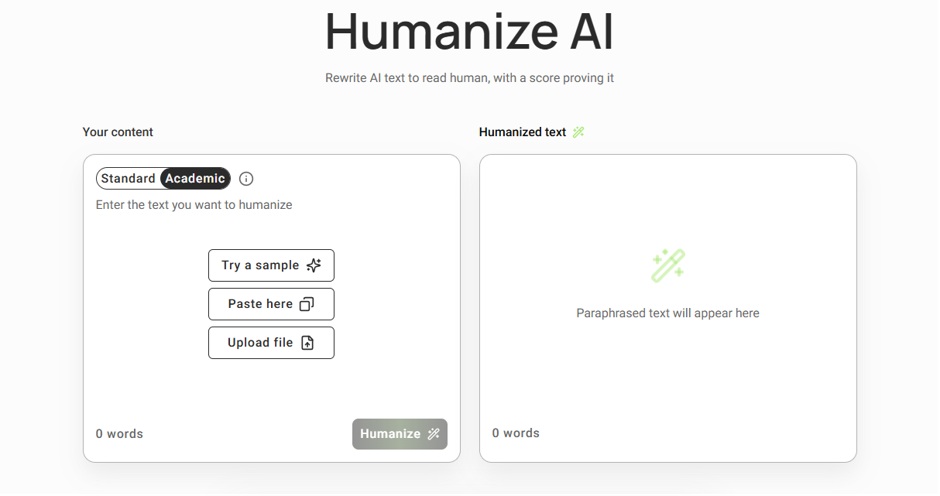
The plagiarism checker is the standout, and the reason to look at GPTinf if you humanize AI text at volume. In a head-to-head test across seven checkers on the same document, GPTinf surfaced 152 source matches. Copyleaks found 14, Quetext 7, and Grammarly's free output showed nothing behind a full paywall. GPTinf's report was sentence-level, identifying exact source URLs with match percentage and segment count – on the free plan.
For ops teams that matters more than it first sounds. Documentation is rarely written from nothing – runbooks inherit from vendor docs, postmortem templates get reused across incidents, and internal wikis absorb Stack Overflow answers and product manuals. Knowing which passages trace back to an external source, at sentence granularity, is the difference between catching an attribution problem internally and having an editor catch it for you.
Detection runs automatically after every humanization – per-detector pass/fail appears beneath the output with no button click, and "See full report" loads the full breakdown without re-pasting. That's one less step than most workflows here. The standalone detector is free and unlimited with no account.
File upload works across all tiers including free, accepting PDF, Word, and plain text, so full-length documents don't need chunking. The grammar checker runs on a self-hosted LanguageTool engine, meaning text doesn't pass through third-party servers – worth knowing if your team has data handling constraints on internal docs.
Limitations: no public API and no browser extension, which rules GPTinf out for anyone wiring humanization into a documentation pipeline programmatically. Only two rewriting modes. Free plagiarism checks analyze 500 words each, and anonymous users see only the top three matched sources.
Pricing: free at 300 words per request. Lite $9.99/mo (5,000 words), Pro $24.99/mo (25,000 words, plus re-humanizing and unlimited selective rephrase), Unlimited $59.99/mo.
Best for: teams producing documentation from mixed sources who want humanization, source attribution, and grammar checking without three subscriptions.
3. UndetectableAI – Narrow Tool, Optimized for Detection Resistance
Where the first two tools optimize for output quality with detection performance as a consequence, Undetectable AI inverts the priority. It's engineered around the algorithmic signals detectors measure – perplexity variance, burstiness, sentence uniformity, token predictability – and treats resistance to those signals as the primary metric.
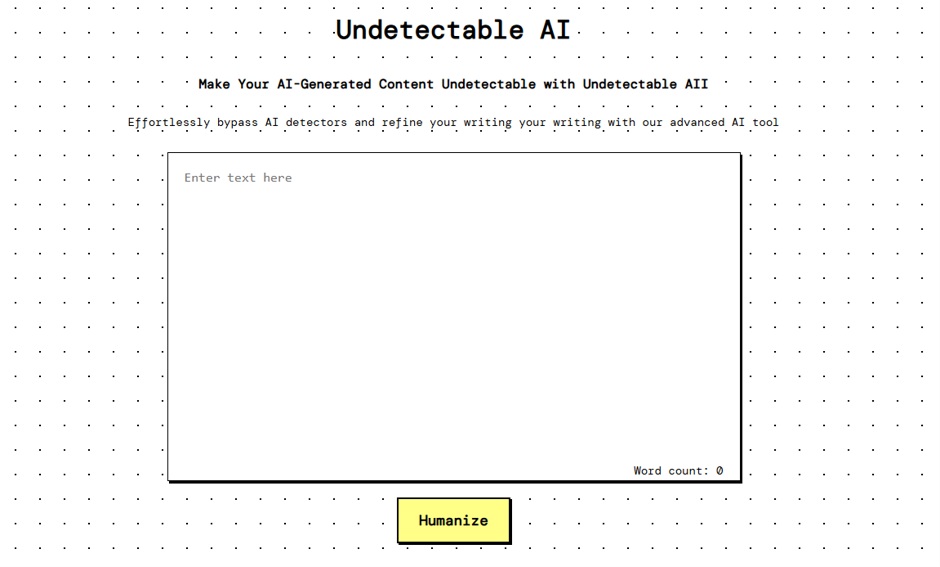
The honest framing is that this is a narrow tool, deliberately. It applies when ops content goes to an external publication platform or a standards body that screens submissions at a strict threshold. Technical blogs, vendor knowledge bases, and community documentation projects increasingly run submissions through Originality.ai or GPTZero before an editor reads a word.
What it doesn't do is anything else. No plagiarism checker, no grammar layer, no readability scoring – teams needing those will run a second platform alongside it. It also isn't the right instrument for internal documentation, where no detector is running and the goal is prose your on-call engineer can follow at 3am.
Worth saying plainly: no tool in this category should be used to move content past a review that exists to evaluate it on the merits. Compliance and editorial review are there for a reason. A humanizer is a writing quality layer, not a way around a gate.
Limitations: Rewriting modes are locked behind paid plans. Support is email-only with a stated 3–5 business day response, which is a problem when a submission is blocked and you're on a deadline.
Pricing: free tier with no registration and a 1,000-word allowance, +1000 words after registration. Lite $9.99/mo (5,000 words), Pro $25/mo (25,000 words), Unlimited $59/mo — metered at 1,000,000 words despite the name. All paid tiers include unlimited words per process.
Best for: external submissions where a specific detection threshold is the hard constraint before anything else proceeds.
4. Writesonic – Humanization Inside a Broader Content Pipeline
Writesonic is an AI writing suite that happens to include a humanizer, alongside article generation, paraphrasing, summarization, and SEO tooling. That makes it a fit for ops teams whose output isn't only internal – DevOps blogs, customer-facing release notes, case studies, product update posts.
Its unusual feature for this category is integration with Google Search Console and Surfer SEO. If your team publishes technical content that also needs to rank, having humanization and search optimization in one pipeline removes a handoff. No dedicated humanizer here offers that.
Limitations: the humanizer is a tone-adjustment layer inside a larger production pipeline rather than a standalone structural rewriting engine. It isn't the core product, and it shows. Teams needing deep structural rewriting or high-confidence detector results will find purpose-built tools more consistent. For runbooks and postmortems, the SEO tooling is dead weight.
Pricing: free plan with 10,000 words per month of AI generation. Individual plans from $16/mo billed annually, with team plans available.
Best for: ops teams whose documentation work sits alongside external content marketing.
5. WordAI – Bulk Rewriting with API Access
WordAI is a rewriting platform built for volume, processing large batches through bulk upload or API integration. That makes it the only tool here that can be wired directly into a content management system, an internal wiki, or a documentation pipeline running adjacent to CI/CD.
The API is the reason it's on this list. If your team maintains templated content at scale – alert descriptions, standardized runbook steps, status page language – calling a rewriting service programmatically rather than pasting into a web UI changes what's automatable. WordAI also returns multiple rewrite variations of the same input, useful for A/B testing documentation phrasing.
Limitations: it's positioned as a rewriter, not a dedicated humanizer, and its performance against current AI detectors is less documented than the purpose-built tools above. If a submission has to clear a detection threshold, this isn't the tool to bet on. It's also the most expensive option here by a wide margin.
Pricing: from $57/mo billed monthly, or $27/mo billed annually. API pricing on request.
Best for: documentation pipelines where volume and programmatic access matter more than detection performance.
Choosing Based on Your Actual Bottleneck
AI is already in your documentation workflow. The open question is whether what comes out clears the bar your reviewers and publishing platforms apply – and for ops teams that bar sits higher than for general content. A postmortem with muddled causality, or a runbook whose meaning shifted during a rewrite, isn't a stylistic problem. It's an operational liability that surfaces during the next incident.
So start from what's actually blocking you:
- Documentation quality and clear detection feedback – HumanizeAI.pro, particularly for formal register work and file-to-file processing of long documents.
- Mixed-source documentation needing attribution – GPTinf, where sentence-level plagiarism reporting is the differentiator and the rest of the suite comes with it.
- A hard external detection threshold – UndetectableAI.pro, accepting that you'll pair it with something else.
- Technical content that also needs to rank – Writesonic.
- Programmatic bulk rewriting – WordAI, for its API.
Most teams overbuy here. Pick the tool matching your primary bottleneck, run it against a document you've already had bounced, and see whether the output reads like something your team would have written. That test is faster than any feature comparison, including this one.